
 Nov 12,2026
 By:
Overview
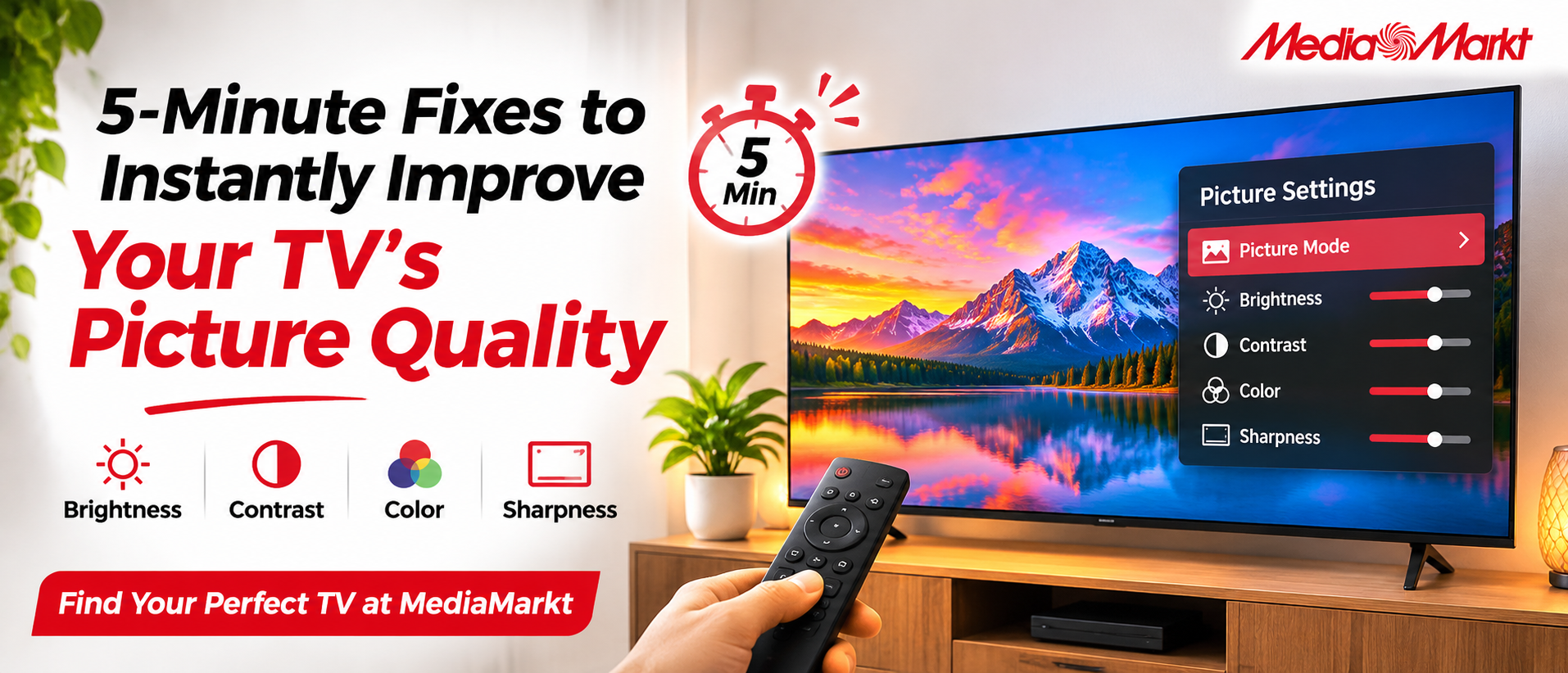
Find Your Perfect TV at MediaMarktEver sat down for movie night, pressed play, and thought, hmm, something looks off? Washed out colors. Faces a bit orange. Dark scenes that look like mud. Good news: most of this can be sorted in about five minutes, no tools, no tech degree. This TV picture settings guide walks through the quick tweaks that make the biggest difference, from picture modes to brightness and sharpness. Small changes, big payoff. Better still, a great screen makes every tweak count, and MediaMarkt has a wide range of TVs that respond beautifully to this kind of fine-tuning. So grab the remote, get comfy, and let's make your TV picture quality shine.
How to Improve TV Picture Quality: Pick the Right Mode
Most TVs ship in a bright, flashy mode made for shop floors. At home? Too much. Open the menu, find the picture mode, and switch to Cinema, Movie, or Filmmaker if your set has it. Colors calm down, skin tones look natural, and the picture feels closer to what the director intended. It takes thirty seconds. Honestly, this one tweak is the easiest first step before touching anything else. Seriously, give it a try.Your TV Picture Settings Guide to Brightness and Contrast
Now for the TV picture settings that matter most. Brightness controls black levels, so nudge it until dark scenes show detail without turning grey. Contrast handles the whites; push it up until clouds look crisp, then back off a hair. Too far and details vanish. Pause on a night scene, adjust slowly, and watch the shadows come alive. Patience pays off here, and the result feels almost like a new screen.Get TV Color Settings Looking Natural
Skin tones looking odd? The TV color settings are probably the reason. Try these:- Color: start near the middle, then lower it if faces look too red.
- Tint: leave it neutral unless everything leans green or pink.
- Color temperature: choose Warm for a cozy, film-like glow.
Sharpness and Motion Smoothing: Less Is Often More
Sharpness sounds like a must, but cranking it adds unwanted halos around objects. Keep it low, somewhere around the middle or lower, and details stay clean. Motion smoothing is another setting behind that "soap opera" look. Switch it off for films, or try a gentle setting for sports. Match it to what is playing, because fast football and slow dramas need different things. Easy fix, and honestly a real difference.Adjust for Your Room Lighting
Room light changes everything. Watching in a bright living room at noon? Raise the backlight a little. Evening in a dim room, curtains drawn? Lower it, and enjoy deeper blacks. Many TVs include an ambient light sensor that adjusts on its own, so try switching it on. Also check the screen position: glare from a window affects TV picture quality more than most people expect. A tiny shift in angle can help.Check Your Source: HDMI and Streaming Settings
Great settings still need a great signal. Easy to forget, easy to fix. Use a quality HDMI cable, and plug it into the port labeled for 4K or HDR if your TV has one. Then check the streaming app: set video quality to Auto or the highest option. Turning on "Game Mode" for consoles reduces lag, too. Little details, sure, but they let the screen show everything it can, and that matters.Why MediaMarkt Makes Picture Upgrades Easy
Settings can only do so much, and that's where MediaMarkt shines. The range covers many screen sizes and styles, so finding a TV that suits your room feels simple. Shop online from home or visit a store and see the picture in person. Friendly advice helps you compare options without any stress. And with the right model, every tip in this guide works even better, honestly. Worth a look, really.Final Thoughts
Five minutes. That's all it takes to turn an ordinary picture into something worth settling in for. Switch to a movie mode, balance brightness and contrast, ease the TV color settings, tame sharpness, and match everything to your room. Each step is small, but together they lift TV picture quality in a way that feels almost magical. Keep this TV picture settings guide handy, and revisit it whenever you change rooms or try a new streaming app. Ready for a screen that does your settings justice? MediaMarkt is a great place to start, with TVs to suit different budgets and spaces. Pop in, browse, and enjoy every frame.Find Your Perfect TV at MediaMarkt
Explore the world of fashion, beauty, lifestyle, and entertainment with Fun & Flip – your daily dose of trendy tips, style inspiration, and everything fun, fabulous, and fresh in one place!
Read More Blogs:
How To Choose The Right Fridge Size For Your Family Without Overspending
The Best Games You Can Snag With Humble Choice Right Now
Hosting Your First Whatnot Live Show: A Beginner's Checklist
FAQs
1. What is the best picture mode for watching movies at home?Cinema, Movie, or Filmmaker mode is usually the best pick. It softens harsh colors and gives skin tones a natural look.
2. How can I improve TV picture quality in just five minutes?
Switch to a movie mode, then adjust brightness, contrast, color, and sharpness. Match the backlight to your room lighting for an instant boost.
3. Why choose MediaMarkt for a new TV?
MediaMarkt offers TVs in many sizes and styles, so finding one for your room is easy. You can shop online or visit a store to see the picture in person.