
 Sep 29,2026
 By:
By: Introduction
Measure, Match & Buy Smart 🛋️
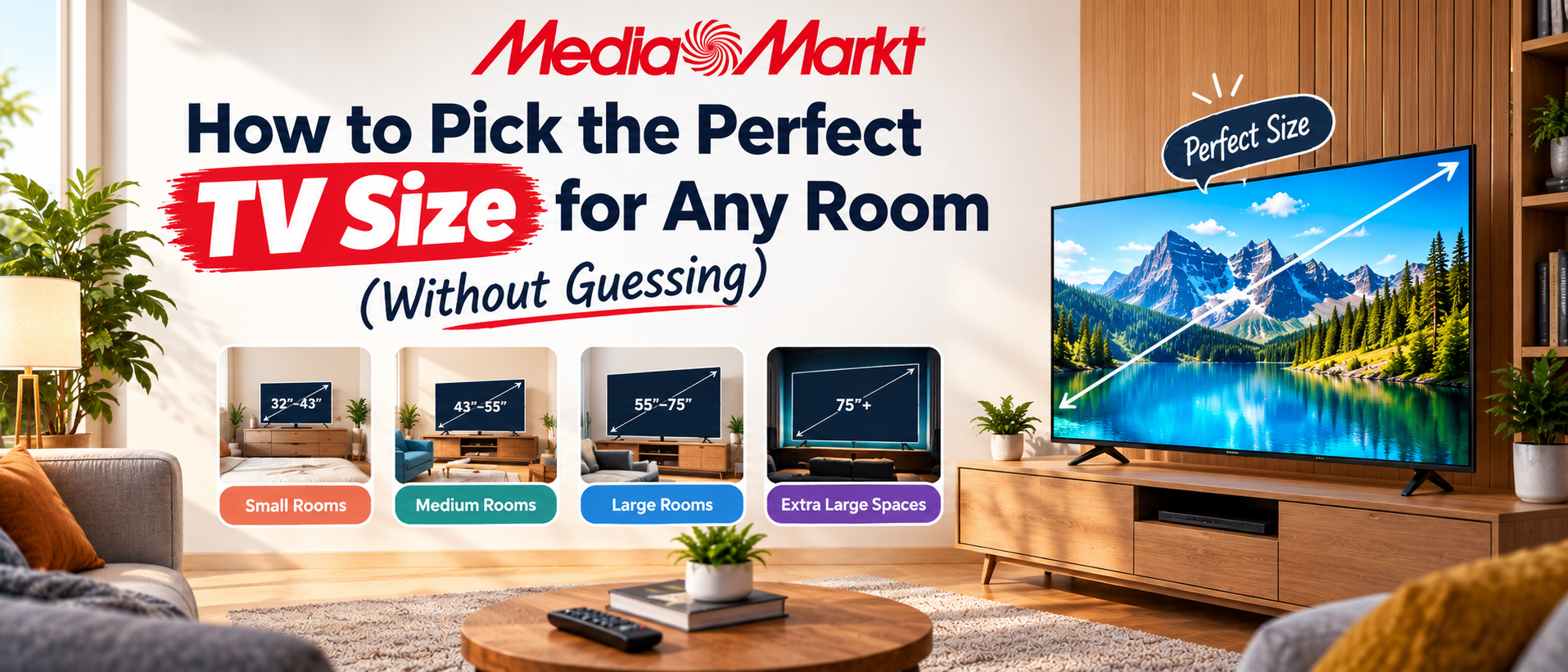
Walk into any electronics store and the wall of glowing screens can make you feel like bigger is always better. Then you bring the TV home, and suddenly it overwhelms the room, or worse, looks lost in it. Sound familiar? You're definitely not alone. Learning how to choose TV size doesn't have to be a guessing game. It comes down to three simple things: how far you sit from the screen, how much space your room and wall actually offer, and what you like to watch. In this guide, you'll find an easy formula, a handy TV viewing distance chart, and practical tips to find the best TV size for living room comfort. We'll also cover room-by-room suggestions, common mistakes to avoid, and answers to frequently asked questions.
By the end, you'll know exactly what to measure and what to buy, so your new screen fits perfectly from day one. Ready to shop? Explore a wide range of TVs from top brands at MediaMarkt and find the perfect fit for your room.
Why Most People Get This Wrong
I once stood in an electronics showroom for forty minutes, staring at a wall of glowing screens. The store hummed. Somebody's demo reel of a Costa Rican rainforest was looping at full volume. And I couldn't decide. Bigger felt better. Bigger always feels better under showroom lights. Then I got the thing home and... it looked a little ridiculous.If you're wondering how to choose TV size without repeating that mistake, here's the honest answer. It isn't about the biggest number you can afford. It's about how far you sit from the screen, how wide your wall is, and what you actually watch. Simple. But nobody tells you that on the shelf tag.
So let's fix that.
How to Choose TV Size: The Quick Formula
Start with one number: the distance from your eyes to the screen. Measure it with a tape, not by squinting and guessing. (Guessing is how people end up with a 43-inch TV in a room built for a 75.)For a modern 4K TV, a good rule is to sit between 1 and 1.5 times the screen's diagonal size away. Say you're sitting 9 feet from the screen. That's 108 inches. Divide by 1.5 and you get 72. Divide by 1.0 and you get 108. So somewhere between a 72-inch and a very large screen is workable, and most people land around 75 to 85 inches.
Want it even simpler? Take your seating distance in inches and divide by 1.2. That's a sweet spot for most people. THX suggests something close to it for a cinematic feel, roughly a 40 degree viewing angle. Fancy language, easy result.
Here's the quick version:
- 5 feet away: about 50 to 55 inches
- 6 to 7 feet: about 55 to 65 inches
- 8 to 9 feet: about 65 to 75 inches
- 10 to 11 feet: about 75 to 85 inches
- 12 feet or more: 85 inches and up
Understanding TV Viewing Distance (and Why It Matters So Much)
TV viewing distance is really about your field of view. Sit too far back and the picture feels like a postage stamp. Sit too close and you start turning your head like you're at a tennis match. Neither is relaxing.Two standards get thrown around a lot. SMPTE recommends roughly a 30 degree viewing angle, which works out to about 1.6 times the diagonal. THX leans toward 40 degrees, closer to 1.2 times the diagonal. The gap between them is why you'll see different "expert" charts online that disagree. They're not wrong. They're just aiming at different levels of immersion.
So which should you follow? Honestly, it depends on you. Do you like sitting back with tea and letting the film wash over you? Stay closer to the SMPTE end. Do you want that movie theater, almost-too-big feeling? Go for the THX end.
Now, a quick word on resolution, because it changes everything.
With an old 1080p TV, sitting too close exposes the pixels. You start seeing the grid, sort of like leaning against a mosaic. That's why older guides said to sit 2 to 3 times the diagonal away. With 4K, pixels are so tiny you can sit much closer without noticing. With 8K, even closer, although (and I'll say it) there's almost no 8K content worth chasing yet.
So if you have a 4K screen, don't be shy about going bigger than your old habits suggest. That's the whole reason 4K changed the rules.
Best TV Size for Living Room Setups
Here's where it gets real, because "the living room" isn't one thing. Mine is narrow, long, and has a window right where the screen should go. Yours might be an open plan with the couch floating in the middle. Same label. Very different needs.The best TV size for living room use usually comes down to the sofa distance. Most living room sofas sit somewhere between 7 and 10 feet from the screen. That points you toward 65 to 77 inches for the majority of homes. If you're closer, say a small apartment, a 55 or 65 is plenty. In a big open space with a sectional pushed way back, go 75 or above.
A few real-world examples:
- Small apartment (couch about 6 feet away). A 55-inch TV is ideal. A 65 is fine if you like it big. Anything larger will feel like it's swallowing the room.
- Average living room (couch about 8 feet away). This is 65-inch territory. A 75 works nicely if you love movies. Brands like Samsung, LG, Sony, TCL, and Hisense all make strong options in these sizes, so you won't be short on choice.
- Large living room (couch about 10 to 12 feet away). Now we're talking 75 to 85 inches. Yes, it feels enormous in the store. In a big room, it just looks right.
- And what about the wall? People forget this. Screens are wider than you think. A 65-inch TV is about 57 inches wide, roughly 4.7 feet. A 75-inch is around 65 inches wide. An 85-inch is over 74 inches, which is more than six feet. If your TV console is only 5 feet wide, a huge screen will hang over the edges like an overfilled sandwich.
Match the Size to What You Actually Watch
Let's pause. Ask yourself something a bit awkward: what do I really watch?Because the answer changes the recommendation. A film lover who watches Dune on Friday night wants a larger screen and a darker room. Someone who mainly has the news on while cooking doesn't need 85 inches of anything. A gamer sitting close on a couch wants something like 55 to 65 inches with low input lag, since large screens up close can make it hard to see the corners of a fast game.
Sports fans? Bigger helps, especially for cricket or football where the action stretches across the whole field. Kids' shows and casual streaming? Middle of the road is fine.
A few quick thoughts on each:
- Movies and streaming: go larger, within your distance limits.
- Gaming: stay moderate. Big and close can be tiring.
- Sports: wide screens shine, especially with a bit of distance.
- Background TV: small to medium. Don't overthink it.
Don't Forget the Room Itself
The room shapes the choice as much as the seating. A few other things worth checking:- Ceiling height and mounting: Ideally, the center of the screen sits at eye level when you're seated, roughly 40 to 42 inches from the floor for most sofas. Mounted too high (the classic above-the-fireplace mistake) and you'll be looking up all night. Your neck will let you know.
- Viewing angle: If people sit off to the sides, choose a TV with wide viewing angles. OLED panels handle this well. Some cheaper LED panels lose color and contrast when viewed from the side.
- Furniture layout: A TV that's too big can dominate small rooms and make everything feel cramped. Too small in a large room and it looks lost.
- Audio: Bigger TVs often have thinner bodies and weaker built-in speakers. If you upgrade the size, consider a soundbar. Trust me on this one. A giant picture with tinny sound is like a fancy cake with no flavor.
Common Mistakes When Choosing a TV Size
Let me list the ones I see most, because I've made a couple myself.- Buying based on the showroom: Stores are huge, bright, and packed with TVs. Your living room is not. Screens look smaller in big stores and larger at home.
- Ignoring the TV viewing distance: Everything hinges on this. Skip the tape measure and you're gambling.
- Forgetting the physical width: Diagonal size is not width. Check the dimensions on the spec sheet.
- Going too big for a low-quality source: A giant screen magnifies flaws. Old cable channels or low-bitrate videos look soft on a huge display. If most of what you watch isn't HD or 4K, don't oversize.
- Assuming bigger always means better: Not true. A well-matched 65 beats a badly placed 85 every single time.
- Skipping the return policy: Ugh. Check it before you buy. Some retailers give 30 days. Some give 15. If the size feels wrong once it's on your wall, you'll want an exit.
A Simple Step-by-Step to Finalize Your Choice
If you're still stuck, try this. It takes about ten minutes.- Measure your seating distance in inches, from your eyes to where the screen will sit.
- Divide by 1.2 to get your ideal diagonal, then check the 1 to 1.5 range on either side.
- Measure your wall or console width and compare it to the TV's actual dimensions.
- Check your lighting. Bright room? Prioritize brightness. Dark room? Go bigger or consider OLED.
- Think about content. Movies, gaming, sports, background noise.
- Set a budget and pick the largest TV that fits the first five steps.
Well, some do. But not many.
Final Thoughts
Choosing a TV shouldn't feel like guesswork, and it doesn't have to. Once you know how to choose TV size using your real seating distance, your wall space, and your habits, the decision gets a lot calmer. Use the 1.2 rule as a starting point. Adjust for your room, your eyes, and your taste. Then trust it.Remember the best TV size for living room comfort isn't the same for everyone. A 55-inch can be perfect in one home, and a 75-inch perfect in the next. What matters is that the screen fits the space and the way you watch.
Measure twice, buy once. And if you ever find yourself standing in a showroom for forty minutes like I did, put down the remote and pull out a tape measure instead. Ready to bring the right size home? Browse TVs from leading brands at MediaMarkt and find the perfect fit for your space.
Explore the world of fashion, beauty, lifestyle, and entertainment with Funandflip – your daily dose of trendy tips, style inspiration, and everything fun, fabulous, and fresh in one place!
Measure, Match & Buy Smart 🛋️
Read Our More Blogs
Beginner's Guide To Shopping Smart During Seasonal Online Sales
Prepaid Vs Postpaid: Which One Actually Saves You Money?
How To Hire A Web Developer Without Getting Overcharged
1. What is the ideal TV viewing distance for a 65-inch TV?
For a 65-inch 4K TV, the ideal TV viewing distance is roughly 5.5 to 8 feet. Around 6.5 to 7 feet is a comfortable middle ground for most people. If you prefer a more cinematic feel, sit toward the closer end. If you want a relaxed, less intense view, sit toward the farther end.
2. What is the best TV size for living room use if my sofa is 9 feet away?
At 9 feet (108 inches), a 75-inch TV is a great choice. A 65-inch also works if your budget or wall space is limited, and an 85-inch works if you want a real home theater feel. Dividing 108 by 1.2 gives about 90 inches as the "immersive" ceiling, so 75 is a comfortable and practical pick.
3. Is a bigger TV always better for 4K viewing?
Not always. 4K lets you sit closer and enjoy larger screens without seeing pixels, but a bigger TV can still be a poor fit if it overwhelms the room, hangs over your console, or forces you to sit too far or too close. Also, low quality content looks worse when stretched across a huge panel. Match the size to your distance, your space, and your content, and you'll get the best results.