
 Nov 16,2026
 By:
Introduction
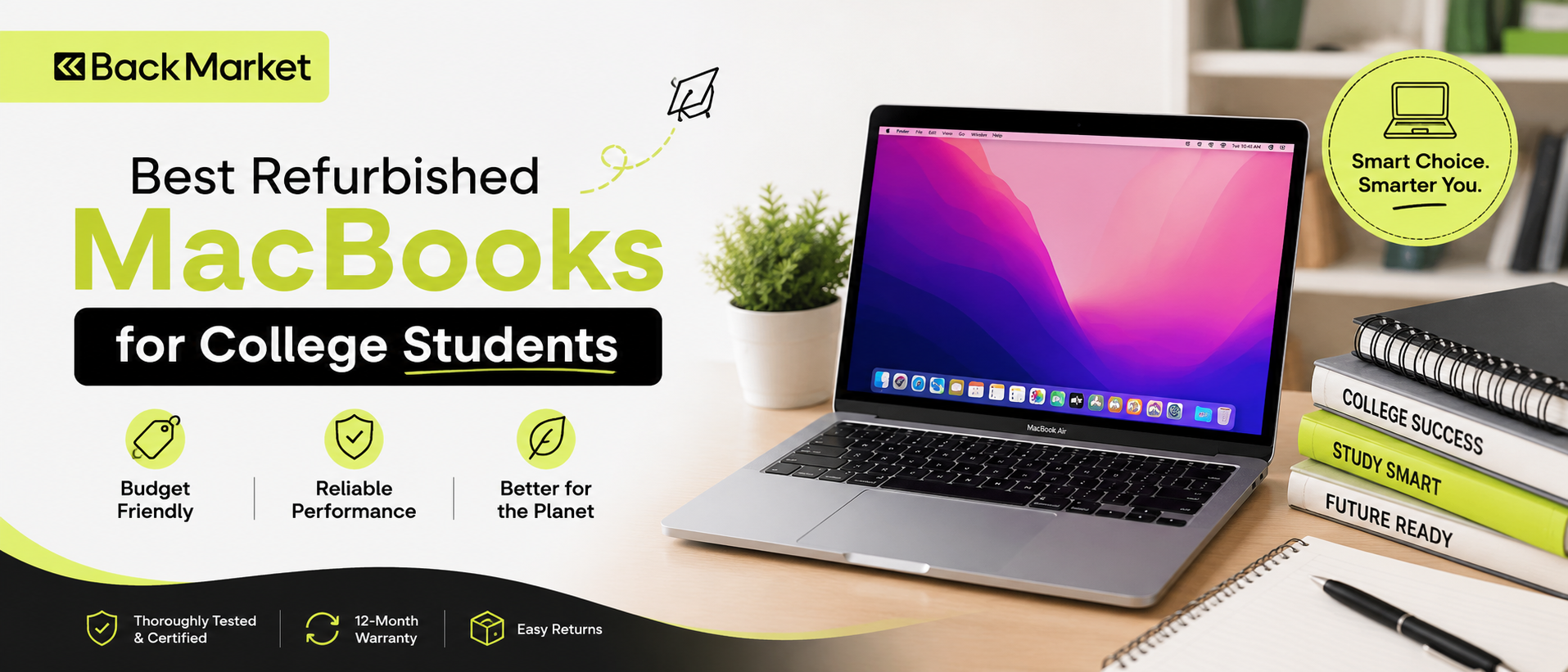
Shop Refurbished MacBooks Today! 🛒Picking a laptop for college is stressful. You're already worrying about tuition, hostel fees, textbooks, and whether your roommate snores. Then someone tells you a MacBook is the "right" choice and you see the price tag. Ouch. That's exactly why people are searching for the best refurbished macbook for students right now. A good refurbished machine can give you the same macOS experience for a lot less, and honestly, most students don't need the newest model anyway. If you want a trusted place to start your search, Back Market is worth a look for tested, warranty-backed refurbished MacBooks.
Why Refurbished MacBooks Make Sense for Students
Let's be real. A laptop for college isn't a trophy. It's a tool you'll drag across campus, shove into a backpack with a water bottle that may or may not be leaking, and use at 2 a.m. for an essay due at 9.So spending top dollar on a brand-new machine feels, well, a bit silly sometimes.
Refurbished MacBooks sit in a sweet spot. They've been inspected, repaired where needed, cleaned, and tested before being sold again. Apple's own certified refurbished program, in countries where it runs, typically replaces the battery and outer shell, ships with a one-year warranty, and lets you add AppleCare+. That's a big deal. Third-party sellers vary a lot, which we'll get to later.
Another thing people forget: Apple silicon Macs age gracefully. A MacBook from a few years back still feels quick doing student things like Google Docs, Zoom, Canva, Word, Excel, and fifteen Chrome tabs. (Fifteen is modest. I've seen forty.)
The savings are real too. Depending on where you live and which model you pick, you might save a fair chunk compared with buying new. Prices move constantly, so check current listings instead of trusting any number I could print here.
MacBook Air M1: The Safe Bet for a Student Budget
If someone asked me for one answer, just one, I'd say the MacBook Air M1. Released in late 2020, it changed what people expected from a thin laptop.Here's why it still works as a MacBook Air for students:
- It's fanless. No fan means silence in the library. No hot air, either. It stays pretty cool for everyday work.
- It's lightweight. Around 1.29 kg (about 2.8 pounds), so it won't wreck your shoulder on the walk from the hostel to the lecture hall.
- Battery life is excellent. Apple rates it at up to 18 hours of video playback. Real life is lower, of course, but a full day of classes on one charge is realistic for many people.
- The display is sharp. The 13.3-inch Retina screen is easy on the eyes during long reading sessions.
- It still gets updates. Apple has kept M1 Macs in its supported lineup for newer macOS versions, though you should always confirm current support before buying.
Storage matters too. The 256GB model works if you live in the cloud. If you shoot lots of video or store big files, aim for 512GB.
MacBook Air M2: When You Want a Little More
Okay, so what about the M2 MacBook Air from 2022? Maybe you're thinking, "Should I stretch my budget?"The M2 Air has a newer design with a flat edge, a larger 13.6-inch display, a better 1080p camera, and MagSafe charging (which saves your laptop when someone trips over the cable, and someone always does). It's also a touch thinner and weighs around 1.24 kg.
If you do a lot of video calls, content creation, or presentations, the camera alone might justify the extra money. If you mostly write, browse, and watch lectures, the M1 does the same job for less. Simple as that.
I'd say the M2 is the better pick if the price gap is small, say under a modest amount. If the gap is big, honestly, take the M1 and spend the difference on a good bag and a protective sleeve.
MacBook Pro for Heavy Majors
Not every student needs an Air. Some do. Architecture, film, music production, data science, engineering with heavy simulations, those folks can benefit from a MacBook Pro.A refurbished 14-inch MacBook Pro with an M1 Pro chip is a strong option. It has a brighter, smoother display, more ports (HDMI and an SD card slot, finally), better speakers, and more power under the hood. Sustained workloads like video exports or code compiling won't choke it.
The trade-off is weight and price. It's heavier, around 1.6 kg, and it costs noticeably more even when refurbished. If you don't truly need the power, skip it. Don't buy a sports car to drive to the grocery store.
Battery Life and Lightweight Laptop Reality Check
Let's talk about the two things students ask about most: battery life and carrying weight.A lightweight laptop sounds like a small perk until you've carried a heavy one for three weeks. Then it's everything. The Air line wins here, hands down.
Battery life, though, needs caution for refurbished buyers. A used battery has already lived some of its life. Apple-certified refurbished units get a new battery, which is why they're the safest route. For other sellers, ask directly about battery health or cycle count. Modern MacBooks are generally rated for around 1,000 charge cycles before the battery drops to about 80 percent of its original capacity.
You can check a Mac's cycle count in System Settings under General, then About, then System Report, then Power. Ask the seller for a screenshot if you're buying online. A decent seller won't mind. A shady one will dodge.
Where to Buy Refurbished MacBooks
Here's the part where I get slightly opinionated.Apple Certified Refurbished is the gold standard, where available. You get a warranty, a fresh battery, and no guessing. Availability depends on your country, so check Apple's website for your region.
Authorized resellers and big retailers like Best Buy (in the US) often run their own refurbished programs with return windows and warranties.
Marketplaces such as Back Market or Amazon Renewed can have good deals, but quality depends on the individual seller. Read reviews. Look for a minimum one-year warranty and a clear return policy of at least 30 days.
Local used markets and classified sites are the riskiest. Cheap, yes. Tempting, definitely. But you're gambling on battery health, hidden damage, and sometimes locked devices. If you go this route, test everything in person.
A Quick Checklist Before You Pay
Don't skip this. I mean it.- Check the warranty. Anything under six months is a red flag for me.
- Verify the model and specs. Use the serial number on Apple's coverage page to confirm what you're actually getting.
- Confirm the Activation Lock is off. A locked Mac is basically a very expensive paperweight.
- Inspect the screen and keyboard. Look for dead pixels, yellow spots, sticky keys, and weird backlight bleeds.
- Test the ports and speakers. Plug something in. Play something loud-ish.
- Look at battery health. Cycle count under a few hundred is great, but anything reasonable for the price is okay.
- Read the return policy. Seven days is thin. Thirty is comfortable.
Timing Your Purchase: Back to School and Beyond
The back to school season, usually July through September, brings promotions on new MacBooks, and sometimes that pushes prices down on older and refurbished stock too. Retailers want to clear inventory before new models arrive.But don't panic if you're reading this in November, mid-semester, wondering if you missed the boat. You didn't. Refurbished inventory moves all year, and the post-holiday and spring periods can bring good deals as well. Watch prices for a week or two. Set an alert. Patience pays off here.
Also, check student discounts. Apple has an education store with special pricing on new models, and some resellers offer extra student discounts on certified refurbished gear. Sometimes the gap between a new education-priced Air and a refurbished one is smaller than you'd expect. Worth a look.
Which One Should You Actually Pick?
Short version, because I know decision fatigue is a thing:- Tightest budget, general coursework: MacBook Air M1, 8GB or 16GB, 256GB or 512GB.
- Want a better webcam and slightly newer design: MacBook Air M2.
- Creative or technical major with heavy workloads: A refurbished MacBook Pro 14-inch with M1 Pro or newer.
Final Thoughts
So, what's the best refurbished macbook for students? For most people, a certified refurbished MacBook Air M1 hits the right balance of price, battery life, weight, and long-term usefulness. It's light, quiet, and reliable. It also won't make you feel guilty at the checkout page.Choose the seller carefully. That matters even more than the model. A good warranty and a solid return policy turn a risky purchase into a smart one. Remember the checklist, check the battery, and don't rush because of a flash sale banner.
Refurbished MacBooks aren't a compromise. They're a practical way to get a quality laptop on a student budget, and you can spend the savings on something that matters, like food. Or coffee. Probably coffee. And when you're ready to shop, head over to Back Market and browse their refurbished MacBooks, which come with a warranty and a return window for extra peace of mind.
Shop Refurbished MacBooks Today! 🛒
Explore the world of fashion, beauty, lifestyle, and entertainment with Funandflip – your daily dose of trendy tips, style inspiration, and everything fun, fabulous, and fresh in one place!
Read Our More Blogs:
5 Refurbished Samsung Galaxy Phones That Punch Above Their Price
5-Minute Fixes To Instantly Improve Your TV's Picture Quality
Direct Vs Connecting Flights: Which Is Right For Your Trip?
FAQs
1. Is a refurbished MacBook good for college students?
Yes, in most cases. A properly inspected refurbished MacBook handles note-taking, research, video classes, coding basics, and presentations without trouble. Buy from a seller that offers a warranty and a clear return policy, and you'll get nearly the same experience as a new machine for less money.
2. Is the MacBook Air M1 still worth buying for students?
Yes. The MacBook Air M1 remains a strong pick thanks to its long battery life, light build, silent fanless design, and smooth performance for everyday tasks. Just confirm macOS support is current, and try to get 16GB of memory if the price difference is small.
3. How long will a refurbished MacBook last?
With normal care, many last five years or more. The battery is usually the first part to wear down, and it can be replaced if needed. Choosing an Apple certified refurbished model, which comes with a new battery, gives you the best head start.