
 Sep 02,2026
 By:
By: Overview
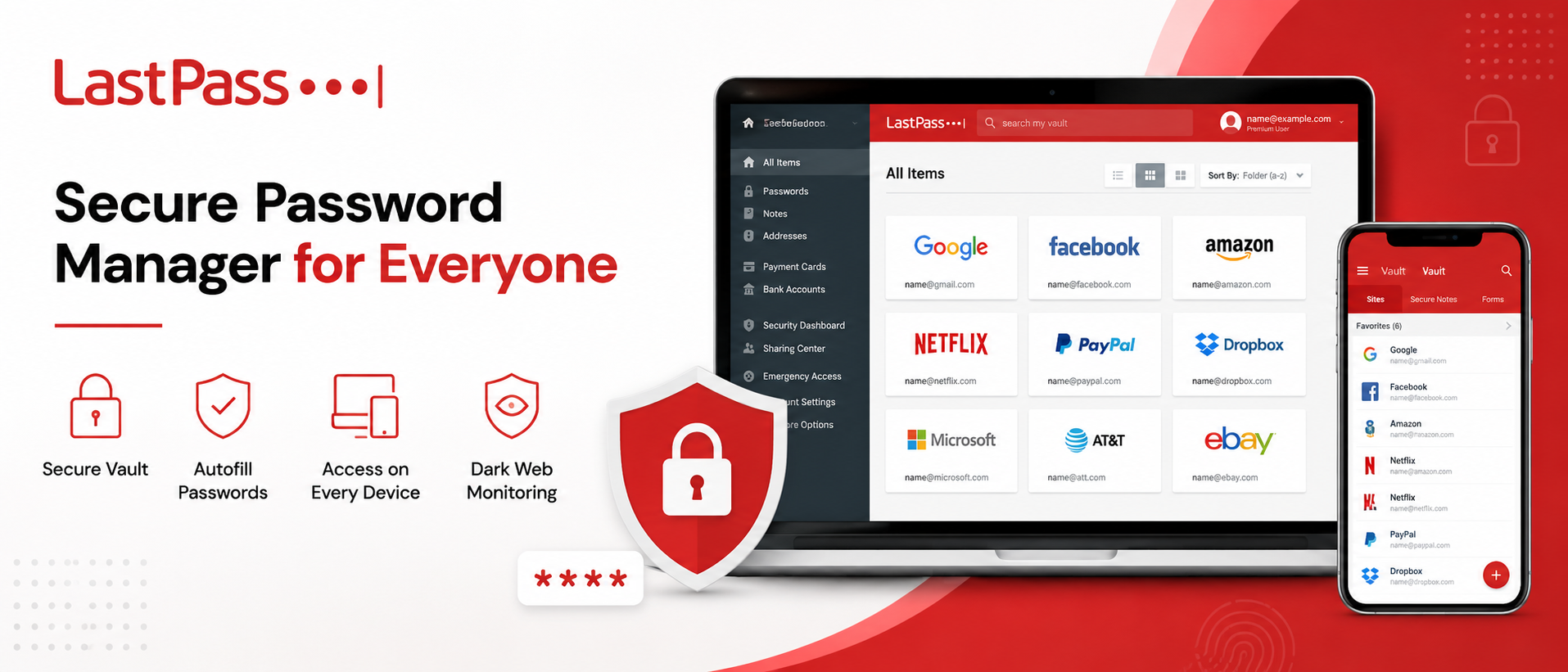
🛡️ Try LastPass TodayAt its core, LastPass is a secure password manager built to remove the friction, and the risk, of manual password habits. Instead of reusing "Summer2024!" across twelve accounts, LastPass generates unique, complex passwords for each site and stores them in an encrypted vault that only you can unlock with your master password.
It comes in a few flavors. There's a free tier for individuals who just want basic vault access on one device type. There's Premium for people who want their passwords synced across phone, tablet, and computer. And there are business focused plans, Teams, Business, and Business Max, built for companies that need shared folders, admin controls, and visibility into how credentials are used across an organization. Whichever tier you land on, the underlying promise is the same: a secure password manager that takes the guesswork, and the risk, out of logging in.
Why a Secure Password Manager Actually Matters
Here's the thing. Most data breaches don't start with some elaborate hacking scheme. They start with something dumb and human, like a reused password, or a weak one, or someone typing their login into a fake site that looked close enough to the real thing. Password managers exist specifically to close that gap.Think about how many accounts you actually have. Email, banking, streaming, work tools, that one forum you joined in 2019 and forgot about. If even one of those gets compromised and you reused the password elsewhere, the damage can spread fast. A password manager breaks that chain. Every account gets its own long, random password, and you only have to remember one thing: your master password.
There's also the convenience angle, which honestly might matter more day to day. Typing out (or worse, trying to recall) a 20 character password every time you log into something gets old fast. That's where autofill comes in, and where LastPass starts to feel less like a security tool and more like something that just makes your day smoother.
LastPass Features Worth Knowing About
LastPass has expanded a fair bit over the years, and the feature list now covers a lot more than "store my passwords." A few of the ones people actually use:- Password vault: An encrypted space for passwords, secure notes, payment cards, and other sensitive info.
- Password generator: creates long, random passwords so you're not relying on your own, often predictable, instincts.
- Password sharing: Lets you share a login with a family member or coworker without ever showing them the actual password in plain text.
- Dark web monitoring: Checks whether your email or passwords have shown up in a known data breach.
- Security dashboard: Flags weak, reused, or old passwords so you know exactly what to fix, instead of guessing.
- Passkey support: LastPass has been building out support for passkeys, the newer passwordless login method that's slowly replacing traditional passwords on a lot of major sites.
None of this is flashy, exactly. It's not meant to be. It's meant to quietly do its job in the background so you're not thinking about passwords at all, which, if you think about it, is kind of the whole point.
Autofill Passwords: The Small Feature That Saves the Most Time
Of everything LastPass does, autofill passwords is probably the feature people notice the most, day to day. You land on a login page, and instead of typing anything, LastPass recognizes the site and fills in your username and password for you. Click. Done. You're in.It sounds small. It is small, in a way. But multiply that across the dozens of logins you do in a normal week and the time savings add up. More importantly, autofill also acts as a quiet security check. Because LastPass matches saved credentials to the actual website domain, it generally won't autofill your login on a lookalike phishing site. That mismatch is often the first sign something's off, before you've even noticed the URL looks slightly wrong.
It works across browsers, Chrome, Firefox, Edge, Safari, and mobile apps, so the experience stays roughly the same whether you're on a work laptop or your personal phone. You set it up once per device, and after that, it mostly fades into the background, which is exactly where you want your password tool to live.
Multi-Device Password Manager: One Vault, Every Screen
We use a lot of devices now. Desktop at the office, laptop at home, phone in your pocket, maybe a tablet you only touch on weekends. A password manager that only works on one of those isn't much of a solution anymore.LastPass functions as a multi-device password manager, meaning your vault syncs across Windows, Mac, Linux, iOS, Android, and the major browsers. Save a new password on your laptop and it's there on your phone a few seconds later. No manual exporting, no copying things into a notes app (please don't do that, by the way), no keeping two separate lists that inevitably fall out of sync.
For families, this matters too. LastPass Families lets a small group, up to six people, share a subscription while keeping their individual vaults private, with the option to share specific folders, like streaming logins or Wi-Fi passwords, when needed. For businesses, this same idea scales up into shared folders and group permissions, so a whole team can access shared tools without everyone needing to know every password.
It's worth noting, the free tier limits you to one device type, either mobile or desktop, not both. If syncing across everything matters to you, and for most people, it probably does, that's a Premium or Business feature.
Is LastPass Safe? Let's Actually Talk About It
This is probably the question that brought a lot of readers here, so let's not dance around it. LastPass disclosed a security incident in 2022 involving unauthorized access to some backup data. It's a fair thing to bring up, and LastPass hasn't hidden from it either.Since then, the company has made a fairly public effort to rebuild trust. That included moving to a new cloud infrastructure, rolling out new managed devices for its own staff, achieving ISO 27701 compliance, and standing up dedicated teams focused specifically on privacy operations and threat intelligence. Whether that's "enough" is honestly a judgment call each user has to make for themselves, and that's a fair place to land.
On the technical side, LastPass uses a zero-knowledge security model. What that means in practice: your data is encrypted and decrypted locally on your device, using a key derived from your master password, before anything ever touches LastPass's servers. LastPass itself doesn't store your master password and can't see your unencrypted vault contents. The encryption relies on 256-bit AES along with PBKDF2 and salted hashing, which is a pretty standard, well tested approach across the password manager industry.
So, is LastPass safe? For most everyday use, a password manager, even one that's had a past incident, is still generally safer than the alternative of reusing weak passwords across dozens of sites. That said, no tool is bulletproof, and a few habits go a long way regardless of which password manager you choose:
- Use a long, unique master password you don't use anywhere else.
- Turn on multi-factor authentication for your vault.
- Keep the app and browser extension updated.
- Watch for phishing attempts, since no password manager can protect you if you willingly hand over your master password to a fake site.
Final Thoughts
At the end of the day, a secure password manager isn't really optional anymore, not with how many accounts the average person juggles. LastPass offers a fairly complete package: a solid vault, autofill passwords that genuinely save time, syncing that works across every device you own, and security features like dark web monitoring and a password health dashboard that most people never bother checking manually.It's not without its history, and that 2022 incident is worth knowing about before you decide. But paired with a strong master password, multi-factor authentication turned on, and a bit of common sense around phishing, LastPass functions as a genuinely useful, secure password manager for individuals, families, and businesses alike. Passwords aren't going away anytime soon. Might as well stop carrying that weight yourself.
One more thing worth mentioning: pricing tends to be reasonable compared to the cost of dealing with an actual breach. Free trials are available across the plans, no credit card required, so you can poke around the vault, try the autofill, and see how it feels on your actual devices before committing to anything. For a solo user, that might mean testing Premium for a couple of weeks. For a business owner, it might mean running a small pilot with a few team members before rolling it out company wide.
🛡️ Try LastPass Today
Explore the world of fashion, beauty, lifestyle, and entertainment with Funandflip – your daily dose of trendy tips, style inspiration, and everything fun, fabulous, and fresh in one place!
Frequently Asked Questions
1. Is LastPass free to use, or do I need a paid plan?
LastPass offers a free tier, but it limits you to one device type, either mobile or desktop, not both at once. If you want your vault synced across your phone, laptop, and tablet, you'll need Premium for individuals, or one of the business plans.
2. How does LastPass keep my passwords safe from LastPass itself?
Through zero-knowledge encryption. Your vault is encrypted and decrypted on your own device using your master password, and that master password is never sent to or stored by LastPass. In practice, this means even LastPass employees can't view your stored passwords.
3. Can I share passwords with family or coworkers without giving away the actual password?
Yes. LastPass's sharing feature lets you grant access to a login without revealing the plain text password to the other person. It's commonly used for things like shared streaming accounts at home or shared business tools at work, and access can be revoked at any time from your account.