
 Aug 31,2026
 By:
By: Introduction
🎮 Redeem & Play!So you just bought a bundle. Maybe it was that indie pack with six games you've never heard of, maybe it was a "pay what you want" deal that felt too good to skip. Either way, you're staring at an email full of letters and numbers wondering what to actually do with it. That's the whole point of this guide: Humble Bundle Steam redemption, explained without the jargon, without the runaround, and without assuming you already know what a "key" even is.
Because here's the thing. A lot of people buy bundles, get excited, open the confirmation email... and then just leave it sitting there. Weeks go by. Sometimes months. I've done it myself more than once. You tell yourself "I'll redeem it later" and later somehow never comes. So let's fix that right now.
What Exactly Is a Humble Bundle Key, Anyway?
Before we get into how to redeem Humble Bundle keys, it helps to know what you're looking at. When you buy something on Humble Bundle, you're not usually buying the game directly through their platform to play it there. Instead, you're buying a license, and that license comes in the form of a code. Think of it like a gift card code, except instead of adding money to an account, it unlocks a specific game on a specific platform.Most PC games sold through Humble Bundle are tied to Steam. Not all of them, some are DRM-free downloads, some go through other platforms like GOG or the Epic Games Store, but Steam is by far the most common. That's why the process of learning to activate Steam game code is basically a required skill if you're a regular bundle buyer.
The key itself usually looks something like this: XXXXX-XXXXX-XXXXX. Five characters, a dash, five more, another dash, five more. Sometimes it's longer, sometimes shorter, depending on the game. Doesn't matter much. What matters is where you find it and where you put it.
Where to Find Your Humble Bundle Keys
Okay, first things first. Log into your Humble Bundle account. Not the email, the actual website, humblebundle.com. Click on your account icon in the top corner, then go to "My Library" or sometimes it just says "Keys" depending on how they've redesigned the site this week (they change it more often than you'd think).You'll see a list of everything you've purchased. Each item has a little dropdown or button, often labeled "Reveal key" or something similar. Click it. The code appears. Some bundles let you reveal all keys at once with a "Reveal all keys" button, which is handy if you bought a big bundle and don't want to click twenty times.
A quick tip here, and this one trips people up constantly: don't reveal a key until you're actually ready to redeem it. Once revealed, some platforms treat that as "claimed" even if you haven't put it into Steam yet. It's not usually a big deal, but if you're gifting the key to a friend, better to leave it hidden until they're ready.
How to Redeem Humble Bundle Keys on Steam: The Actual Steps
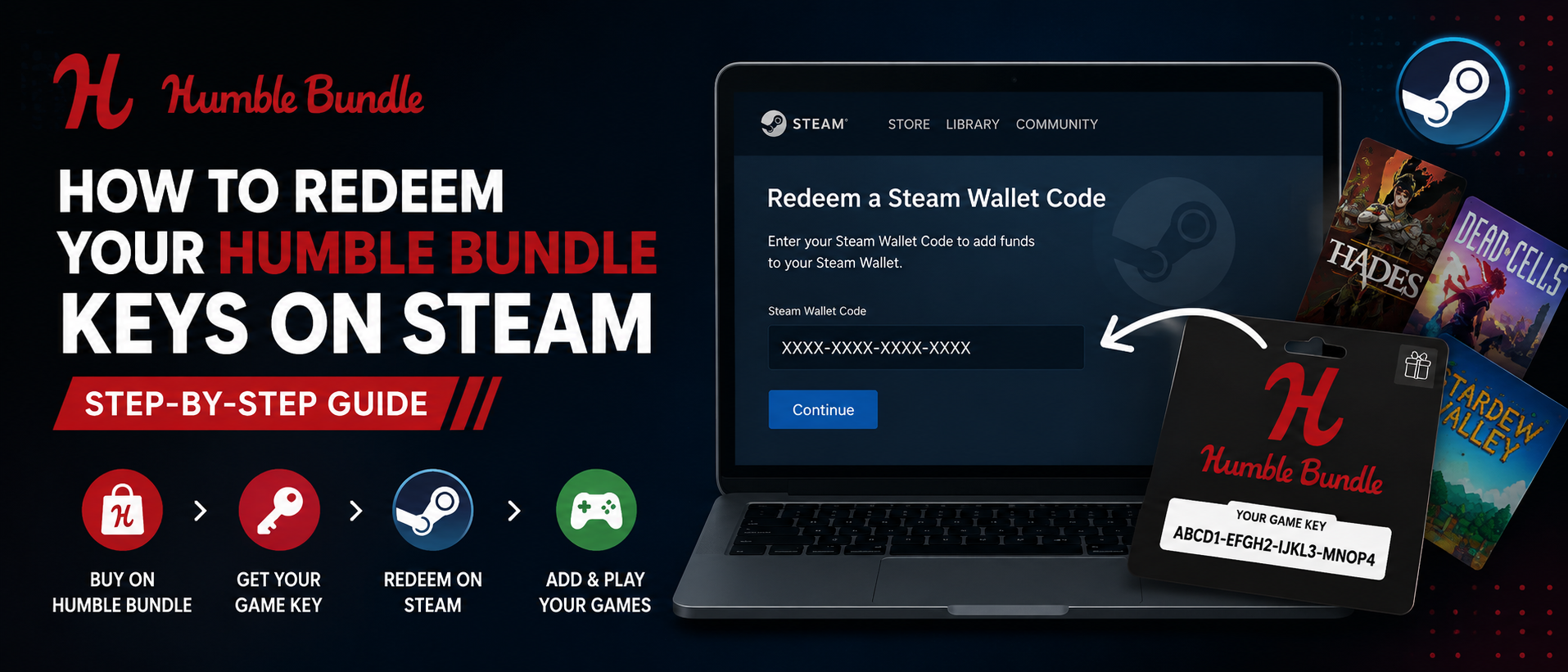
Alright, here's the part you came for. This is the core process for how to redeem Humble Bundle keys once you've got that code copied.- Step 1: Open the Steam client. Not the website. The desktop app. If you don't have Steam installed yet, download it from steampowered.com first, install it, and create or log into your account.
- Step 2: Find the "Games" menu. It's at the top of the Steam window. Click it, and a dropdown appears.
- Step 3: Click "Activate a Product on Steam..." This opens a small wizard window. It'll ask you to agree to some terms, click Next.
- Step 4: Paste in your key. This is where that code from Humble Bundle goes. Copy it exactly as shown, dashes included usually don't matter since Steam auto-formats it, but paste the whole thing to be safe.
- Step 5: Confirm and finish. Steam checks the code against its database. If it's valid, you'll see the game name pop up along with a confirmation screen. Click through, and the game gets added straight to your library.
Common Mistakes When You Activate Steam Game Code
I've seen (and made) plenty of small errors during this process. None of them are disasters, but they waste time.One big one: typing the key manually instead of copying it. Those codes mix zeros and the letter O, ones and lowercase L's, it's easy to fumble a character. Always copy-paste.
Another one, and this happens more than you'd expect, people try to redeem a key on the Steam website instead of the desktop app. The web version of Steam doesn't have the same "Activate a Product" flow in the same way. Stick to the client.
Then there's the classic "I already own this game" error. Sometimes you'll buy a bundle that includes a game you already have, or you accidentally try to redeem the same key twice. Steam will tell you flat out if that's the case. Nothing broken, just double check your library first if you're not sure.
And occasionally, rarely but it happens, a key just doesn't work. Maybe it was already redeemed by someone else (this can happen with resold or leaked bundle keys, which is a whole other issue), or maybe there was a typo in the original Humble Bundle listing. If Steam says the code is invalid after you've triple-checked it, that's when you reach out to Humble Bundle support.
What If the Key Isn't for Steam?
Not every Humble Bundle key goes to Steam. Some bundles specifically say "Steam key" right there in the listing, but others might say "DRM-free" or list a different platform entirely. Before you even try to activate Steam game code, glance at the key reveal page on Humble Bundle. It usually tells you right there which platform the key belongs to.If it says DRM-free, you'll get a direct download link instead of a code, no Steam activation needed at all. Just download and install like any regular program. If it's tied to something like Origin, Epic, or GOG, you'll need to go to that specific platform's activation page instead; the process is similar in spirit but happens on a different site or app.
Redeeming Multiple Keys at Once
If you bought a big bundle with a dozen games in it, redeeming each key one at a time through Steam's activation wizard can get tedious. There isn't really a bulk-import feature built into Steam itself for this, unfortunately. You do have to go through "Activate a Product" for each individual key.What you can do to speed things up is open your Humble Bundle library page in one browser tab and the Steam client in another window, then just work down the list. Reveal key, copy, switch to Steam, paste, confirm, repeat. Once you get a rhythm going it's not too painful, maybe a minute per game.
Gifting Humble Bundle Keys
Sometimes you end up with duplicate keys, or you bought a bundle just for one game and want to give the rest away. Humble Bundle actually makes this pretty simple. On the key reveal page, instead of clicking "Reveal," you might see a "Gift" option depending on the platform and bundle type. This generates a shareable link you can send to a friend, and they redeem it the same way you would, following the exact steps above once the code is theirs.Just remember, once a key is redeemed by someone (either you or the person you gifted it to), it's locked to that Steam account permanently. There's no transferring a game after activation. So don't reveal a key for yourself if your actual plan was to send it to a friend.
A Quick Note on Account Region Restrictions
This one catches people off guard occasionally. Some game keys are region-locked, meaning they only activate on Steam accounts registered in certain countries. It's not super common with Humble Bundle keys specifically, publishers set these restrictions, not Humble Bundle itself, but if you're traveling or using a VPN and a key won't activate, region locking might be why. Worth checking the game's Steam store page for any regional notes before assuming something's broken.Final Thoughts
At the end of the day, learning Humble Bundle Steam redemption isn't complicated once you've done it a couple of times. Find the key on your Humble Bundle account, open Steam, hit "Activate a Product on Steam," paste, confirm, done. The whole reason it feels confusing the first time is just unfamiliarity with where the buttons live, not because the process itself is hard.If you're someone who buys a lot of bundles (and if you're reading this, you probably are), it's worth setting a habit of redeeming keys right after purchase instead of letting them pile up in your account. I've personally lost track of keys before, forgot what bundle they even came from, and had to dig back through old emails just to figure out what I was supposed to be activating. Save yourself that headache. Redeem as you go.
And that's really it. Now that you know how to redeem Humble Bundle keys properly, and how to activate Steam game code without second-guessing every step, you can get back to what actually matters: playing the games you paid for.
🎮 Redeem & Play!
Explore the world of fashion, beauty, lifestyle, and entertainment with Funandflip – your daily dose of trendy tips, style inspiration, and everything fun, fabulous, and fresh in one place!
FAQs
1. Can I redeem a Humble Bundle key on the Steam mobile app?
No, not directly. The "Activate a Product on Steam" feature is only available through the Steam desktop client on Windows, Mac, or Linux. You'll need to use a computer to complete the activation, though you can browse and reveal your keys from a phone browser just fine.
2. What happens if I lose or forget to redeem a Humble Bundle key?
As long as you still have access to your Humble Bundle account, the key doesn't disappear. It stays available under your purchase history indefinitely, so you can log back in months or even years later and reveal it whenever you're ready.
3. Why does Steam say my key has already been redeemed?
This usually means the code was activated before, either by you on a different account, by someone you shared it with, or in rare cases through a leaked or resold bundle key. Double check your existing Steam library first, since you might already own the game without realizing it. If not, contact Humble Bundle support with your order details.