
 Oct 22,2026
 By:
By: Introduction
Shop gaming TVs today! 🎮Last winter I helped my cousin Arjun set up his new console in his living room. He'd bought a pretty decent 4K TV on sale, a big, shiny thing. We plugged in the Xbox, loaded up a racing game, and within ten minutes he said, "Why does the steering feel... late?" He wasn't wrong. It did.
That moment is basically the whole gaming TV vs regular TV debate in one sentence. On paper, both are screens. Both show 4K. Both have apps and remotes you'll lose on the couch. But the way they handle a controller press? A totally different story.
So does the difference really matter? Short answer: yes, if you care about how games feel. Longer answer below. Let's get into it.
Shopping for a new screen? Check out the gaming TV range at MediaMarkt.
Gaming TV vs Regular TV: What's Actually Different?
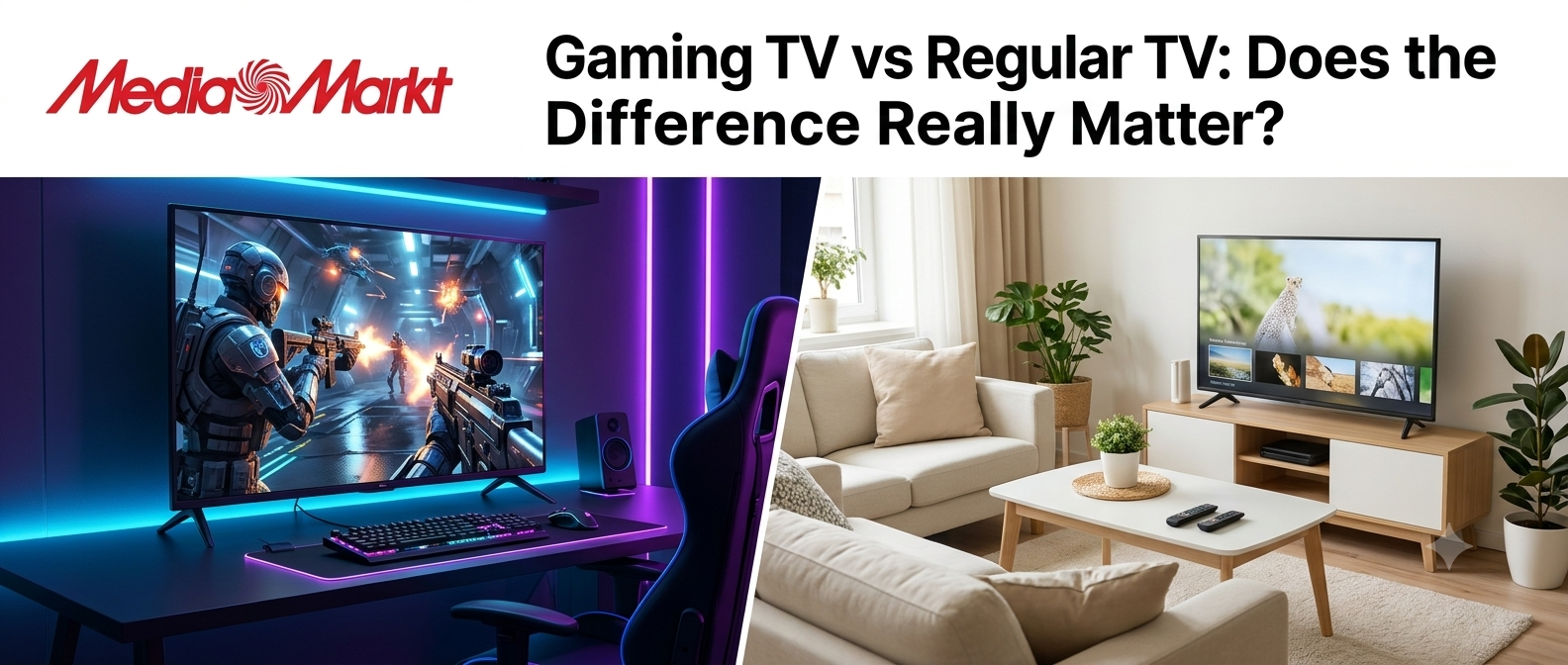
Here's the thing. A regular TV is built for movies, cricket matches, and that one reality show everyone pretends not to watch. It cares about picture polish. Lots of processing: smoothing, sharpening, noise reduction, color tweaks. All of that takes time.A gaming TV is built around speed. It trims the processing, supports faster refresh rates, and talks to your console in smarter ways. The panel might look similar in a shop, honestly. The difference shows up once you're holding a controller.
Three things separate them most:
- Input lag (how fast the screen reacts to your button press)
- Refresh rate (how many times per second the image updates)
- VRR support (whether the TV syncs with your console's frame rate)
Input Lag: The Silent Game Killer
Input lag is the time between pressing a button and seeing the result on screen. Measured in milliseconds. Sounds tiny, right? It isn't.A regular TV running in its normal picture mode can sit anywhere from 50 to 100 milliseconds or even more, because of all that image processing. Switch to Game Mode and it often drops hugely. Many good gaming TVs land under 15 milliseconds, and the best ones get close to 5 or 6 at 4K 60Hz.
Why does this matter? In a slow story game, it probably doesn't, not much. In a shooter, a fighting game, or anything competitive, those extra milliseconds are the gap between landing a shot and watching someone else land it first.
A quick rule I use: under 20ms feels good, under 10ms feels great, and anything above 40ms feels like you're moving through soup. Check independent reviews (RTINGS publishes lag numbers for almost every model) instead of trusting the box.
And one more thing people forget. Input lag often changes with resolution and refresh rate. A TV that's snappy at 4K 60Hz might be a bit slower or faster at 120Hz. Look for numbers at the mode you'll actually use.
Refresh Rate Gaming: Why 120Hz Is a Big Deal
Most regular TVs refresh at 60Hz. That means 60 updates per second. Fine for movies, fine for TV shows, fine for older games.Modern consoles can do more. Refresh rate gaming at 120Hz doubles the number of updates, so motion looks smoother and sharper. A fast camera turns in a shooter stop looking blurry. Racing games feel more connected. Even just scrolling through menus feels slicker, which is weirdly satisfying.
Be careful with marketing though. Some TVs say "120Hz" or even "motion rate 240" or "Clear Motion 960," and those numbers are often processing tricks, not true panel speed. What you want is a native 120Hz panel that accepts a 120Hz signal over HDMI. That's the one that counts.
Also, your game has to support it. Not every title runs at 120 frames per second. Plenty cap at 60, and some at 30. But the list of 120fps games keeps growing, and a 120Hz TV will stay useful for years.
VRR TV Explained: Say Goodbye to Tearing
Ever seen the screen look like it ripped in half for a split second during a fast turn? That's screen tearing. It happens when your console's frame rate and your TV's refresh rate don't match.A VRR TV (variable refresh rate) fixes this. The TV adjusts its refresh rate in real time to match whatever frame rate the console is outputting. Frame rate dips from 60 to 52? The screen follows. No tearing, much less stutter.
It's one of those features you don't think you need until you've used it. Then going back feels wrong.
Look for HDMI Forum VRR, and bonus points for AMD FreeSync or NVIDIA G-Sync compatibility if you also game on PC. Also look for ALLM (Auto Low Latency Mode). That one automatically flips the TV into Game Mode when the console turns on. Small thing, but you'll love not digging through menus every time.
Why a 4K TV for Gaming Is the Sweet Spot Right Now
Let's talk resolution. A 4K TV for gaming is basically the standard today, and for good reason. Both the Xbox Series X and PS5 are built around 4K output. Games look crisper, textures pop, and distant objects (like that tiny enemy sniper on a hill) are easier to spot.But 4K alone doesn't make a TV good for gaming. This trips people up all the time. A cheap 4K TV with a 60Hz panel, no VRR, and high lag is still a bad gaming TV. It just has more pixels.
What you want is the full package: 4K resolution, 120Hz support, low input lag, and VRR. When those four line up, you get the real next-gen experience. When they don't, you're paying for pixels you can't fully enjoy.
HDR matters too. Good HDR makes explosions brighter, shadows deeper, and sunsets in open-world games look almost unfair. Dolby Vision for gaming is a nice extra, especially on Xbox, though not every TV or game supports it.
Features to Look for in a Gaming TV
Okay, shopping time. Here are the features to look for in a gaming TV, roughly in order of importance:- HDMI 2.1 ports: This is the big one. HDMI 2.1 carries enough bandwidth (48Gbps) for 4K at 120Hz with HDR and VRR. Annoyingly, some TVs only have one or two proper HDMI 2.1 ports while the rest are older HDMI 2.0. Check which ones are which, because you'll want your console and maybe a soundbar (via eARC) on the right ones.
- Low input lag: Aim for under 15ms in Game Mode. Lower is better.
- Native 120Hz panel: Not fake motion tricks. Real panel speed.
- VRR and ALLM: For smooth, tear-free gameplay and automatic mode switching.
- Good HDR brightness: Peak brightness around 700 nits or higher helps HDR look convincing. Mini-LED and QLED models tend to go brighter, while OLED wins on contrast and black levels.
- Fast response time: Slow pixels cause ghosting trails behind moving objects. OLED panels are excellent here, nearly instant.
- Game Mode extras: Many TVs now include a game dashboard showing frame rate, VRR status, and HDR info. Handy for checking everything's working.
Best TV for Xbox Series X: What to Check
Now the question I get most. What's the best TV for Xbox Series X? There isn't a single winner, but I can tell you what the console needs.The Xbox Series X can output 4K at up to 120Hz, supports VRR, ALLM, HDR10, and Dolby Vision for gaming. To use all of that, you need an HDMI 2.1 port on the TV and an HDMI cable rated for it (the Ultra High Speed one that came in the box works great, so keep it).
Here's a quick checklist for Xbox owners:
- HDMI 2.1 with 4K 120Hz support
- VRR (and ideally FreeSync support)
- Dolby Vision gaming support if you care about the best HDR on Xbox
- Input lag under 15ms
- ALLM for automatic Game Mode
Brands that regularly show up in recommendations include the LG C-series OLEDs, Samsung's QD-OLED and Neo QLED lines, Sony Bravia models, and value picks from TCL and Hisense. Models change every year, so check recent reviews before you buy. I won't pretend a specific model will still be the pick by the time you read this.
Best TV for Gaming on Any Budget
So what counts as the best TV for gaming overall? Depends on your wallet, mostly.Budget (under about $500 or ₹40,000 range): Look for a 4K TV with at least one HDMI 2.1 port, 120Hz support, and decent lag numbers. TCL and Hisense often punch above their price here. Don't expect perfect HDR at this level, but gameplay can still feel great.
Mid-range. This is the sweet spot: Mini-LED or QLED panels with strong brightness, full HDMI 2.1 on multiple ports, VRR, and low lag. You get most of the premium experience without the premium bill.
High-end: OLED or QD-OLED, near-instant response, gorgeous contrast, and plenty of gaming features. If you play mostly at night and want the best picture, this is it.
One honest tip. If you're tight on money, spend on the TV and skip fancy extras. A solid panel with proper HDMI 2.1 beats a flashy one with weak gaming specs, every time.
So, Is a Gaming TV Worth It?
It depends on how you play. Casual gamer who plays an hour on weekends, mostly story games? A good regular TV with a working Game Mode is probably fine. Honestly, don't stress.But if you play often, care about fast games, or just want your console to perform the way it was designed to, a proper gaming TV is worth the extra. The smoother motion, tear-free image, and snappy controls make a real difference, and the gap gets bigger the more you play.
Also, think long term. Consoles and games are moving toward 120fps and VRR. A TV without those features may feel outdated in two or three years. A TV with them? Still good.
Final Thoughts
So, gaming TV vs regular TV: does the difference really matter? Yes, for most people who game regularly, it does. Not because of magic, but because of specs that directly change how a game feels: input lag, refresh rate gaming support, VRR, and HDMI 2.1.Don't buy on screen size or "4K" stickers alone. Check the lag numbers, confirm the HDMI 2.1 ports, and make sure the TV supports what your console can actually do. If you own an Xbox Series X, look for 4K 120Hz, VRR, and Dolby Vision support. That combo is hard to beat.
And Arjun? He swapped his TV for a proper gaming model a month later. He now says the steering feels "right." That's all I needed to hear.
Ready to level up your setup? Find your next gaming TV at MediaMarkt.
Shop gaming TVs today! 🎮
Explore the world of fashion, beauty, lifestyle, and entertainment with Funandflip – your daily dose of trendy tips, style inspiration, and everything fun, fabulous, and fresh in one place!
Read Our More Blogs:
Small Apartment Decor Hacks: Make Every Room Feel Bigger
Seasonal Refresh: Updating Your Home And Closet With Monthly Flash Sales
7 Refurbished Laptops That Are Basically Secret Weapons For Students
FAQs
1. Can I use a regular TV for gaming?
Yes, you can. Most regular TVs work fine with consoles, especially if they have a Game Mode that lowers input lag. You may miss out on 120Hz, VRR, and the lowest lag, but casual gaming will still be enjoyable.
2. What input lag is good for gaming?
Under 20 milliseconds is considered good, and under 10 milliseconds is excellent for competitive play. Always check lag measured in Game Mode at the resolution and refresh rate you'll actually use.
3. Do I need HDMI 2.1 for the Xbox Series X?
If you want 4K at 120Hz with VRR, yes. HDMI 2.1 provides the bandwidth for that combination. If you only play at 4K 60Hz, HDMI 2.0 will work, but you'll miss some of the console's best features.