
 Nov 06,2026
 By:
That's one reason portable monitors for laptops have become a useful addition to modern workspaces. These lightweight external displays give you extra screen space without requiring a traditional desktop monitor. Whether you're working from home, travelling for business, studying or simply need a more comfortable setup, a portable display can make everyday tasks easier.
However, choosing the right model isn't just about screen size. Display quality, connectivity, weight and compatibility all matter. Here's what to consider before buying a portable laptop monitor in 2026.
What is a Portable Monitor and Why Do You Need One?
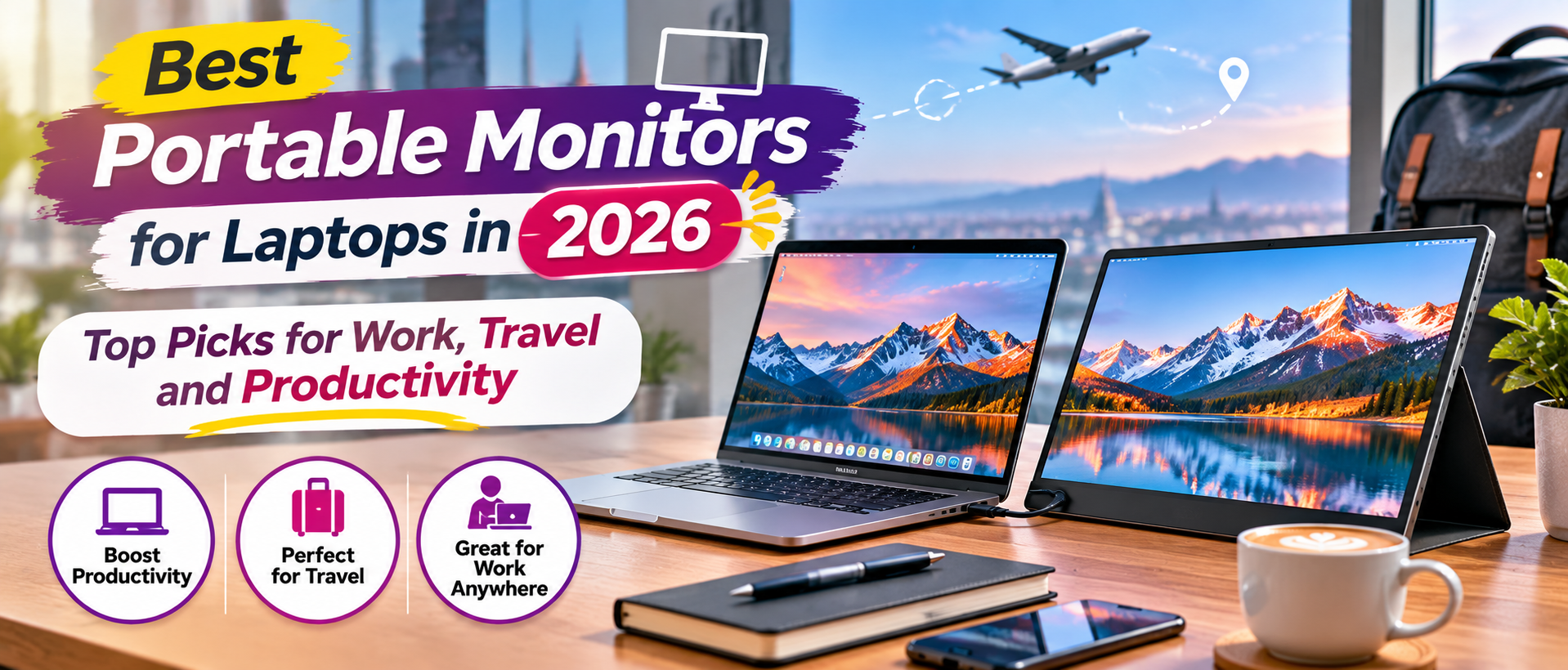
A portable monitor is a lightweight external screen that connects to a laptop, smartphone, tablet or another compatible device. Unlike regular desktop monitors, these displays are designed to be easy to carry and set up in different locations.Imagine working in a hotel room or a coffee shop where you need to compare documents while attending a video meeting. Instead of constantly switching between windows, you can keep different tasks visible on separate screens.
A dual screen monitor for laptop setups can also be helpful for designers, content creators, students and professionals who regularly multitask. Some models include built-in speakers, adjustable stands and touchscreen functionality, making them even more versatile.
What to Look for When Buying the Best Portable Monitor
1. Choose the Right Screen Size
Screen size is one of the first things to consider. Most portable monitors are available in sizes ranging from around 14 to 17.3 inches, although larger options are also available. A 14-inch display is convenient for people who travel frequently and want something compact. A 15.6-inch monitor offers a comfortable balance between screen space and portability, making it suitable for everyday office work and studying. If you regularly work with spreadsheets, creative applications or multiple windows, a larger display may be more comfortable.2. Check Display Resolution and Picture Quality
A portable monitor should offer a clear and comfortable viewing experience. Full HD (1920 × 1080) is a common resolution for everyday productivity, document editing and browsing. If you work with photographs, videos or detailed graphics, you may prefer a higher-resolution display. Also consider brightness, viewing angles and color accuracy. These features become particularly important when working in different lighting conditions or handling visual projects.3. Make Sure the Connectivity Matches Your Laptop
Before purchasing a USB-C portable display, check which ports your laptop actually supports. Many modern portable monitors use USB-C for video and power, but not every USB-C port supports video output. Some models also offer HDMI or Mini HDMI connections for compatible devices. Check the manufacturer's compatibility information rather than assuming that every USB-C cable will work with every laptop.4. Consider Weight and Portability
The biggest advantage of a portable monitor is that you can take it with you. A lightweight design makes a noticeable difference if you regularly travel or work from different locations.Look for a model that fits comfortably inside your laptop bag. A protective cover or folding stand can also make transportation and setup easier. If portability is your main priority, avoid choosing a heavier display simply because it offers a slightly larger screen.
5. Look at Additional Features
Some portable monitors offer features that make everyday use more convenient. Built-in speakers can be useful for casual video calls, while touchscreen support may help people who prefer interactive controls. Other models include adjustable stands, automatic screen rotation, HDR support or higher refresh rates. You don't necessarily need every feature. Focus on the ones that match your work habits and avoid paying extra for specifications you won't use.Who Should Buy a Portable Monitor?
A portable monitor can be useful for several types of users. Remote professionals can keep emails, documents and video meetings open simultaneously, while students can use an additional display for research, online classes and assignments.Designers and content creators may also benefit from having extra screen space for editing tools and reference material. For frequent travellers, a lightweight portable monitor for work can help create a more productive workspace without carrying a bulky desktop display. However, if you mainly use your laptop for casual browsing and occasional streaming, an additional monitor may not be necessary.
How to Choose the Right Portable Monitor for Your Budget
Portable monitors are available at different price points, so it's worth deciding how much you're comfortable spending before exploring different models.Budget-friendly displays can be suitable for basic office work, online classes and everyday browsing. Mid-range models may offer better brightness, build quality and additional connectivity options. Premium displays can include higher resolutions, touchscreen functionality and improved color performance. Don't choose a monitor based on price alone. Compare the display specifications, connectivity, warranty and customer feedback to understand what you're actually getting.
Conclusion
The best portable monitors for laptops aren't necessarily the biggest or most expensive ones. They're the displays that fit your working style, offer reliable connectivity and provide enough screen space without making your laptop setup difficult to carry.
Before purchasing, consider the screen size, resolution, weight and available ports. If you travel frequently, portability should be a priority. If you spend most of your day working with documents or creative applications, display quality and screen space may matter more. With the right portable laptop monitor, you can make your workspace more flexible, stay organized and handle everyday tasks with greater convenience.