
 Nov 25,2026
 By:
Quick Summary
- Resolution and night performance matter more than the headline number on the box.
- Storage and loop recording keep the camera reliable over months of daily use.
- Parking mode and a suitable power source protect the car when the engine is off.
- GPS adds location and speed data that can support an account of events.
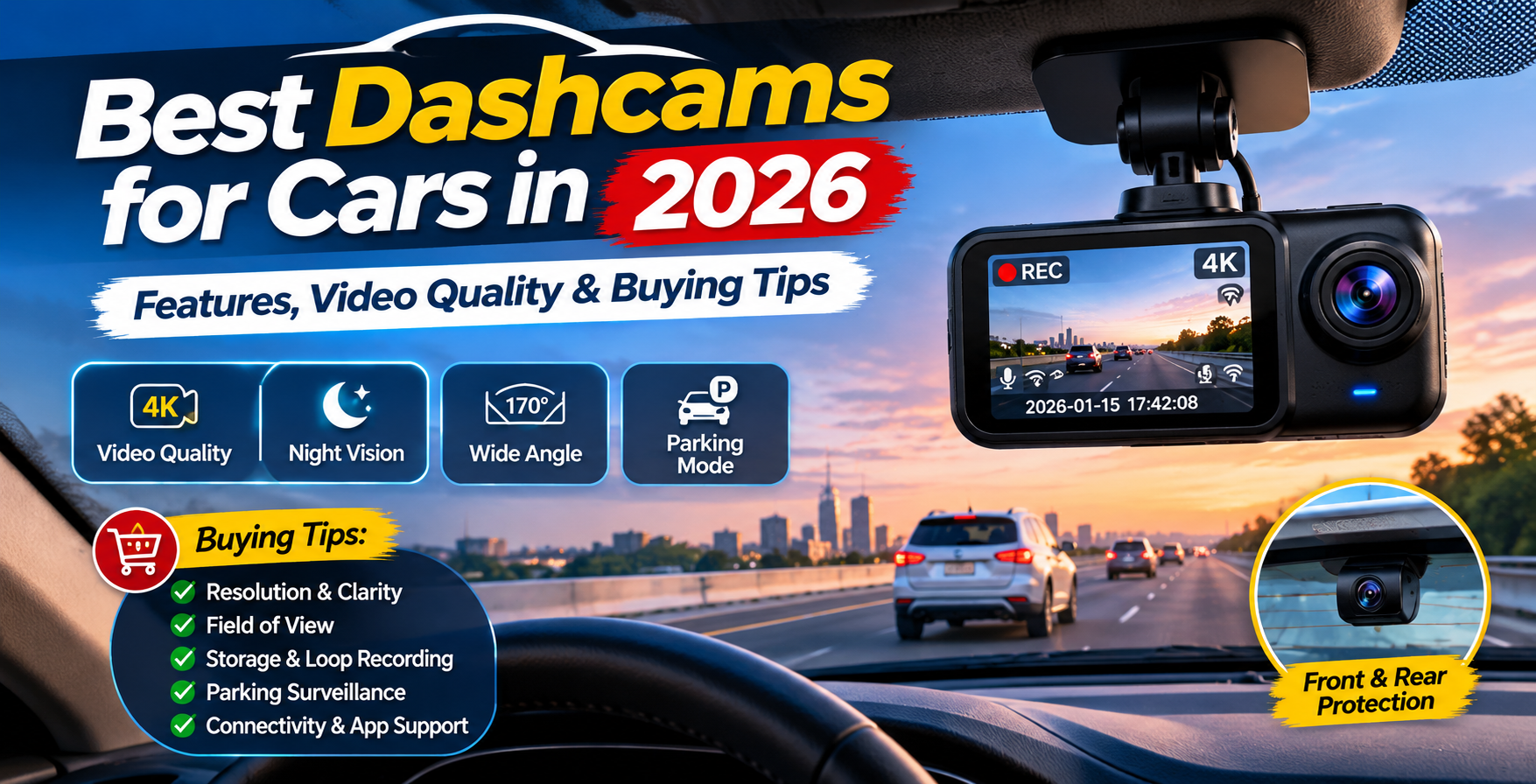
- A best dashcam with front and rear camera setup suits heavy city driving, while a front-only unit may be enough for occasional commuting.
Why Video Quality Matters More Than Megapixels
Manufacturers tend to lead with resolution, and a figure like 4K dashcam sounds like an obvious upgrade. Resolution describes how many pixels a frame contains, but it says little about whether a number plate will be readable at dusk. Image quality depends on the sensor, the lens, and the processing that happens after light reaches the sensor. A 4K dashcam with a small sensor and a narrow-aperture lens can look sharp in bright daylight and smeared in the evening. A 1080p camera with a larger sensor and a wider aperture can capture more usable detail in the same conditions.Field of view is the other half of the picture. A very wide angle captures more lanes and roadside activity, but it also shrinks objects near the edges of the frame. A moderate field of view usually gives a clearer record of the road directly ahead. Frame rate matters for fast events, because a higher rate makes it easier to follow the sequence of a near miss. Check the sensor model, aperture, and frame rate in the specifications, not only the resolution. Doing so turns a marketing figure into something you can actually compare between models.
Night Recording and Low-Light Performance
Many incidents happen after dark, in rain, or under the glare of oncoming headlights, and all of these reduce the detail a camera can capture. Several features make a difference:
- A low-light sensor that handles dim scenes without heavy noise.
- WDR or HDR processing, which balances bright headlights against dark road surfaces.
- A wide aperture, which lets more light reach the sensor.
- Glare control, which matters for cameras mounted behind the windscreen near the rearview mirror.
Storage, Loop Recording, and Memory Cards
Loop recording overwrites the oldest footage when the memory card fills, which lets the camera run continuously without manual cleaning. The trade-off is wear. Constant writing puts steady strain on flash memory, and a standard microSD card can fail sooner than one designed for this kind of use. A high-endurance card, rated for continuous recording, is a better match. Check the maximum supported capacity in the manual, since some models reject larger cards or handle them unpredictably. Formatting the card in the camera every few weeks and confirming that a recent drive's footage is actually saved, are simple habits that prevent unpleasant surprises.Most cameras also use a G-sensor to detect sudden impact and lock the clip, so it is not overwritten. Test this once by triggering a lock on purpose, then confirm that the file is easy to find and export. Owners who skip this check often discover the problem only when they need the footage most.
Parking Surveillance and Power Options
Parking mode records while the car is off, usually when motion or impact is detected. Two approaches are common. Buffered parking mode records short clips after a trigger, which uses less power. Continuous mode records for as long as the camera is powered, which uses considerably more power. Either way, the camera draws from the car battery unless it has its own power source.Power is where many owners run into trouble. A camera plugged into the cigarette lighter socket usually switches off with the ignition, so it cannot protect a parked car. A hardwire kit connects the camera to the fuse box and includes a voltage cut-off that shuts it down before the battery is too low to start the engine. A dashcam with parking mode is most useful for people who park on the street or in shared lots, where the risk of a parked-car incident is highest. Confirm the cut-off setting and vehicle compatibility in the manufacturer's documentation before installing. If the car is parked for long stretches, such as during a holiday or while away on business, consider how long the battery must hold up under the camera's draw.
GPS, Installation, and Choosing the Right Setup
GPS adds speed and location data to the recording, which can help establish when and where footage was captured. It also keeps timestamps accurate after a time change or a power interruption, which matters when a clip may be shown to an insurer or a court. Some cameras offer a wireless dashcam function that connects to a phone app over Wi-Fi for downloading footage and adjusting settings. That convenience does not change how the camera records, so check whether the app is required for basic operation.Installation affects performance as much as the hardware. Mount the camera behind the rearview mirror, keep it clear of the wiper sweep, and route the cable neatly along the headliner and trim. Placement rules for windscreen-mounted devices vary by country and region, so check local regulations before you fix the camera in place. The same goes for audio recording, which is restricted in some places.
For the setup itself, a front-only camera covers the most common incidents and is simpler to fit. A rear camera adds coverage for rear-end collisions and reversing incidents, which makes a best dashcam with front and rear cameras a sensible choice for rideshare drivers, delivery drivers, and anyone who spends long hours in heavy traffic. Wiring a rear unit adds some installation work, so factor that into the decision.
Conclusion
A good purchase starts with your own priorities. Decide whether night clarity, parking protection, or rear coverage matters most, then match those needs to the features that deliver them. Once you have a short list, compare the sensor, aperture, storage support, and power options rather than relying on the resolution figure alone. A careful dashcam buying guide approach will save money and frustration later, and a 4K dashcam is only worth the premium if its sensor and lens perform well after dark. Before you buy, read the product's warranty, the memory card guidance, and the installation instructions.
Also Read:
Best Wi-Fi 7 Routers for Home In 2026: Top Picks for Gaming, Streaming & Large Homes
Best Laptops for Students Who Don't Want to Overspend
How To Grow Your Whatnot Following from Zero