
 May 04,2026
 By:
By: Introduction
When you open Adobe Creative Cloud for the first time and look at the full Adobe apps list, it can feel like a lot. There are apps for photos, video, motion, 3D, audio, web design, and even one just for fonts. It can feel overwhelming at first. But every single tool on that list exists for a real reason. Once the purpose of each one clicks, it stops feeling chaotic and starts feeling like the most powerful creative toolkit around. Let's delve into the details.What Is the Adobe Apps List — And Why Does It Matter?
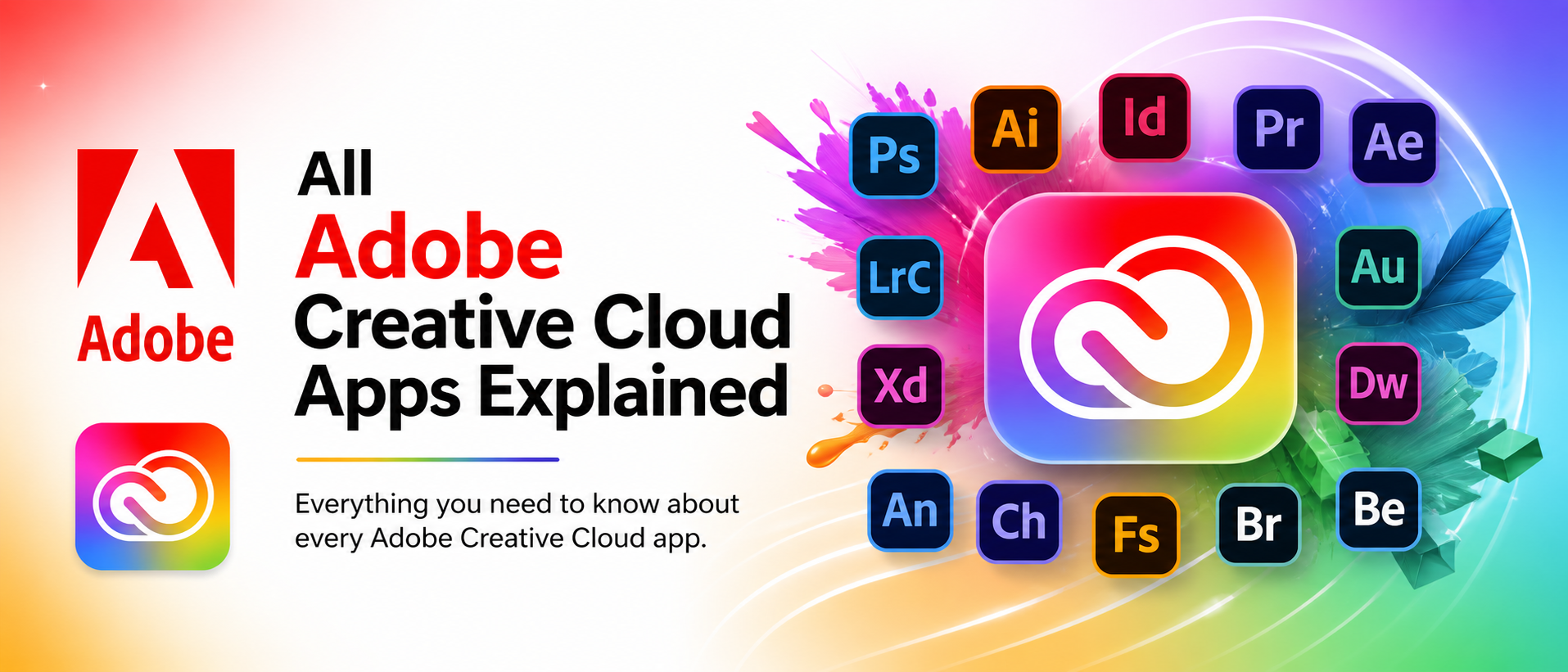
Adobe Creative Cloud is a subscription platform that gives access to 20+ professional creative apps— all in one place. The Adobe apps list covers design, photography, video, audio, web, and 3D. It also includes tools like Adobe Fonts, cloud storage, Behance, and Adobe Portfolio. For designers and creators across the US, it's become the industry standard—most studios and clients simply expect Adobe formats. It's not just software—it's a complete creative ecosystem.Adobe Photoshop — Still the Industry Leader, and for Good Reason
Photoshop has been around since 1988—older than many of its users. It's pixel-based photo editing: retouching portraits, removing backgrounds, blending images, and digital painting. The newer AI tools like Generative Fill genuinely sped up how fast things get done. Not the right choice for logos or vector art — that's Illustrator's job. However, when it comes to photographs and detailed image work, Photoshop remains the primary tool that most people choose. Photoshop is still the first tool most people reach for.Key features:
- Content-Aware Fill — removes objects and fills backgrounds automatically
- Select and Mask—cuts out hair, fur, and complex edges cleanly
- Neural Filters — AI-powered skin smoothing and expression adjustments
Adobe Lightroom vs Photoshop — This Confuses Almost Everyone
Both deal with photos, so the Adobe Lightroom vs Photoshop confusion makes sense. But they're built for completely unique jobs. Lightroom is a photo library manager and non-destructive editor—perfect for RAW files and batch editing hundreds of shots fast. Photoshop goes deep on one image at a time. Most photographers end up using both: Lightroom for the whole shoot and Photoshop for the hero shots needing extra work.- Lightroom — color grading, RAW editing, photo organization, batch workflows
- Photoshop — pixel editing, compositing, retouching, digital painting
- Lightroom Classic — stores files locally for full hard drive control
Adobe Illustrator — Vectors, Logos, and Art That Never Blurs
Adobe Illustrator creates vector art—math-based shapes that stay perfectly sharp at any size, unlike pixels that blur when zoomed in. That's precisely why we almost always create logos and brand assets here. A business card and a billboard can use the same file, with zero quality loss. The pen tool is notoriously tricky at first, but once mastered, it's the most precise drawing tool around, it's the most precise drawing tool around.Adobe Premiere Pro — Where Serious Video Editing Happens
Movies, documentaries, YouTube videos, wedding films — Adobe Premiere Pro handles all of it. It's timeline-based video editing with deep color grading via Lumetri, multi-track audio, and the Dynamic Link feature that drops After Effects animations directly into the timeline without rendering. That feature saves a significant amount of time.A few standout tools:
- Auto Reframe — AI automatically reframes clips for vertical or widescreen formats
- Speech to Text — generates captions from dialogue in minutes
- Multi-cam editing — switch between camera angles in real time
Adobe After Effects Basics — Motion Graphics Without the Mystery
The interface looks complicated. The first time opening After Effects, it genuinely feels like a plane cockpit. But strip it back, and it's doing one thing: animating layers over time. That's it. The Adobe After Effects basics come down to compositions (the canvas), keyframes (what changes and when), easing (smooth movement), and expressions (code that automates animation). Give it a few weeks to learn, and it becomes highly engaging.Adobe InDesign — The Publishing Tool Designers Swear By
It may not be flashy, but Adobe InDesign is essential for publishing. world together. Magazines, textbooks, catalogs, reports—multi-page layouts all live here. Master pages keep headers consistent across 200-page documents. Paragraph styles change fonts across an entire book in seconds. It also exports interactive PDFs with buttons and embedded video. Most print designers don't start here, but eventually, almost all of them end up living in it.Adobe XD and Dreamweaver — Designing and Building for the Web
Adobe XD is for UX and UI designers—wireframes, clickable prototypes, app mockups, and shareable developer links. Fast, clean, built for iteration. Dreamweaver is a visual code editor for building actual websites: HTML, CSS, JavaScript, and live preview. It feels less modern compared to tools like VS Code, no question. But for designers who want to see code changes instantly without a local server setup, it still works.Adobe Audition and Character Animator — The Underrated Two
These tools are often overlooked in the Adobe apps list. Often overlooked. Adobe Audition is a professional audio workstation for noise removal, mixing, and mastering. The Spectral Display literally shows noise as color and lets it get painted away. Character Animator uses a webcam to capture facial expressions and lip movements in real time, animating a 2D character on screen. No frame-by-frame work. Streamers and educators especially love it.Adobe Express and Adobe Firefly — Creativity for Everyone, Not Just Pros
Not everyone wants to spend weeks learning Photoshop. That's why Adobe Express exists — drag-and-drop templates for social posts, flyers, and short videos. Fast, simple, no design experience needed. Adobe Firefly is Adobe's generative AI platform, now built deep into Creative Cloud. Text-to-image, Generative Fill in Photoshop, AI video in Premiere—it's genuinely changing how fast creative work gets done in the full Adobe apps list.Bottom Line — The Adobe Apps List Has a Tool for Everything
The full Adobe apps list is big, sure. But every tool on it solves a real creative problem. Understanding the Adobe Lightroom vs Photoshop difference, getting comfortable with Adobe After Effects basics, and knowing Illustrator from Photoshop—it all takes time. But it's worth it. Adobe Creative Cloud is the platform the entire creative industry runs on. Start with the apps that match current needs, and build from there.Learn Adobe ✨
Explore the world of fashion, beauty, lifestyle, and entertainment with Fun & flip – your daily dose of trendy tips, style inspiration, and everything fun, fabulous, and fresh in one place!
FAQs
Q1. Which app from the Adobe apps list should a total beginner start with?Ans: Adobe Express is the most beginner-friendly entry point—templates, drag-and-drop tools, and a zero learning curve. For anyone into photography, Lightroom is the gentlest path into deeper Adobe Creative Cloud territory without the complexity of Photoshop.
Q2. In the Adobe Lightroom vs Photoshop debate, which one actually wins?
Ans: Neither—they serve different purposes. Adobe Lightroom manages and edits whole shoots efficiently. Photoshop handles deep, pixel-level work on individual images. Most photographers end up using both, not choosing between them.
Q3. How long does it take to learn Adobe After Effects basics?
Ans: With consistent daily practice, most people become comfortable with the core Adobe After Effects basics—keyframes, compositions, and text animation—within two to four weeks. Free tutorials inside Adobe Creative Cloud make the starting point much less intimidating.