 Apr 15,2026
 By:
By: Introduction
Adobe Express tools have changed how everyone designs, from individuals to small business owners to marketing experts. Adobe Express is a creative platform that lets anyone, even if they don't know much about design, make beautiful videos, documents, branded content, and other visuals in just a few minutes. Adobe Express is better than ever in 2026. It has a simple, clean interface and a lot of AI-powered tools.Anyone can get professional-level design on the platform, from quick graphics for social media to fully animated presentations. And with more and more templates, fonts, assets, and smart automation tools being added, it's now the go-to tool for creators who need quick results without sacrificing quality.
Let's look at the ten Adobe Express tools that are definitely worth using this year and how they can all make your creative work better right away.
In 2026, you should know about these 10 Adobe Express tools
Remove Background Tool
A tool to remove the background The remove background tool is one of the best parts of Adobe Express, and for good reason. It can find and get rid of the background in any picture with just one click. It does this with incredible precision. This tool saves you hours of work when you make product listings, profile pictures, or marketing banners. You don't have to know how to use hard tools or make tough choices. You always get cutouts that look clean and professional.
AI Presentation Maker
Making slide decks is simple with Adobe Express AI Presentation Creator. If you tell the AI what your topic is, it will make a presentation with well-organized layouts, color schemes, and placeholder content that looks good. You can easily change each slide to fit your brand, and it's great for reports, pitches, and educational content.
AI Video Generator
The Adobe Express AI video generator is a game-changer for marketers and content creators. AI-powered transitions, animations, and voiceovers can turn text, pictures, and clips into moving video. You don't need to know how to edit videos to use this tool to make videos that people will stop scrolling through. You can use it to make a short ad, a product reel, or a story for Facebook.
QR Code Generator
Make a QR Code With the Adobe Express QR code tool, you can make QR codes that are in line with your brand. You can change the colors, shapes, and logos on your codes to make them look like they were made for your business. You can use them for business cards, menus, event materials, or online marketing.
Text-to-Image (AI Art Generator)
Text to Image One of the best things about Adobe Express AI is the text-to-image generator. You can tell the AI what you want to see, and it will make new art, drawings, or pictures that look like real life in just a few seconds. You don't need to pay for a stock photo subscription to use it to make unique pictures for your blog, social media, or other creative projects.
Resize & Repurpose Tool
A tool for changing the size and use of something It's never been easier to make content for a lot of platforms. You can easily change the size of any design for different formats, like Instagram square, LinkedIn banner, Facebook cover, YouTube thumbnail, and more, without having to start from scratch. It's one of the Adobe Express tools that helps social media managers save the most time.
Brand Kit
Design needs to be consistent, and the Brand Kit feature makes it easy to keep it that way. Pick the colors for your brand, upload your logo, and choose the fonts you like best. Then, in a matter of seconds, you can use them on all of your designs. This choice keeps all of your visuals on-brand without you having to change the formatting every time.
Animation & Motion Effects
What happens when there is movement and animation? Use the built-in animation controls to make text, pictures, and graphics move so that your designs come to life. These motion effects make your content stand out in feeds and presentations. They can be smooth fades or entrances that change. You don't need to know anything about technology or how to edit timelines; just pick a style and use it right away.
Template Library with AI Suggestions
AI Suggestions in the Library of Templates Adobe Express has thousands of professionally made templates for all kinds of things, like flyers, posters, email headers, resumes, and more. In 2026, this will be even better because it will have an AI-powered suggestion engine. It suggests templates based on the kind of project, the field, and how you've used them in the past. This makes it a lot easier to choose a design.
One-Click PDF & Document Design
Adobe Express has come a long way since it only made graphics. Now it can also make full documents with One-Click PDF & Document Design. You can quickly create professional-looking PDFs, newsletters, proposals, and other documents with your brand on them. Some other features of Adobe Express AI can even automatically suggest text and layouts. This makes it faster than ever to write essays.
How much does Adobe Express cost?
A lot of people want to know how much Adobe Express costs. You can use a lot of tools for free on the platform, like basic templates, the QR code generator, and some AI features. This is great for people who have never done this before.You can get the Adobe Express Premium plan by signing up for Adobe Creative Cloud or by getting a separate plan. With this plan, you can use all of the platform's features, such as unlimited Adobe Express AI features, premium templates, the Adobe Express AI presentation maker, advanced video tools, and the full Adobe Express remove background functionality without any limits. Prices may be different depending on where you live and which bundle you choose. To find the best deals, it's best to go to the official Adobe website.
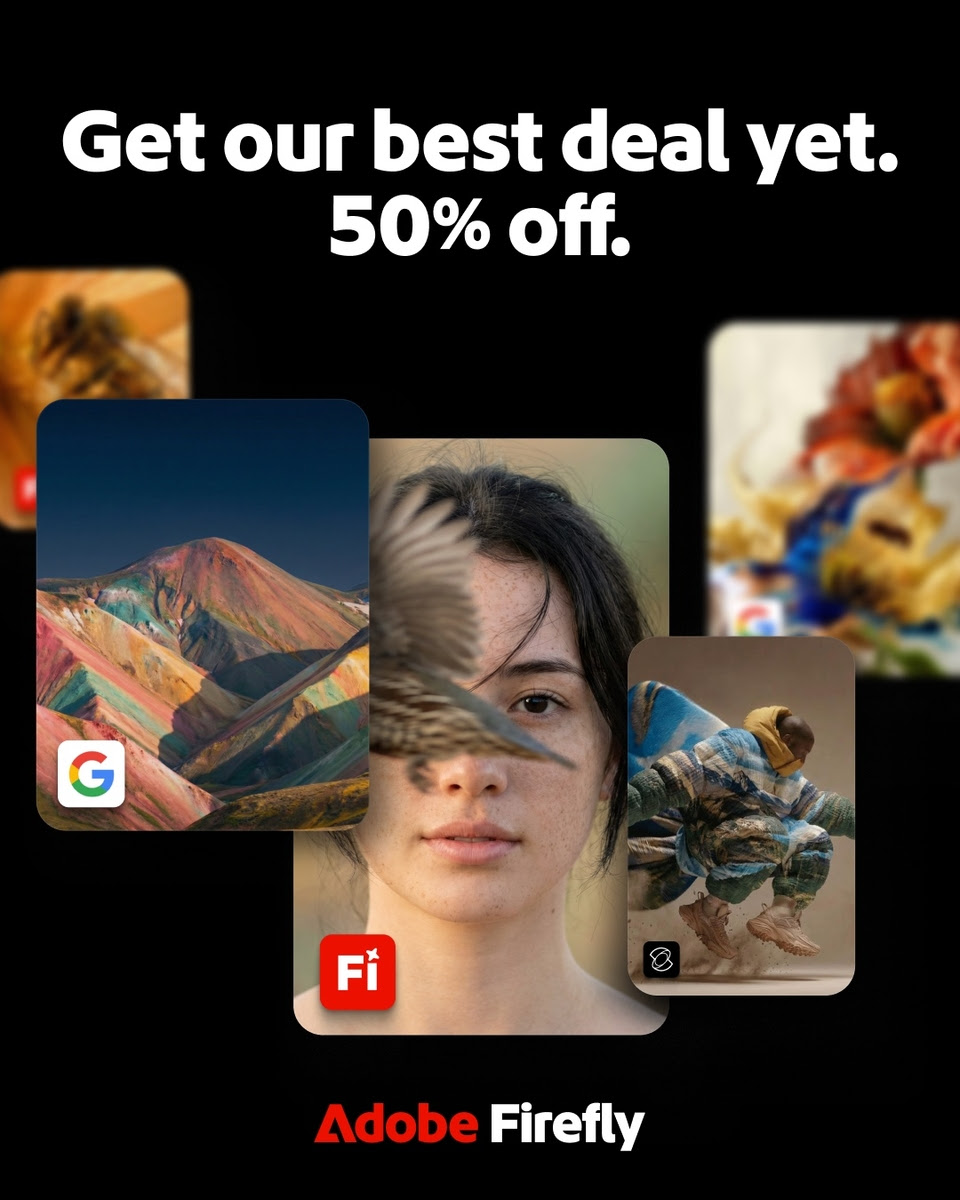
🔥 Limited-Time Offer: 50% Off Firefly Pro Plus — Don't Miss This Deal
If you've been waiting for the right moment to go all-in on Adobe's creative ecosystem, this is it. For a limited time, get 50% off Firefly Pro Plus for your first year on any new subscription — valid from March 19, 2026 through April 22, 2026 only.
Firefly Pro Plus is Adobe's most powerful creative plan, giving you everything you need to create at scale. It includes 10,000 credits per month for image and video generation, unlimited generations across 10 AI models, and full access to Firefly, Adobe Express Premium, and Photoshop — all under one plan.
Here's a full breakdown of your options at the discounted price:
👉 Offer valid March 19, 2026 – April 22, 2026 only.
New subscriptions only. Choose the plan that fits your workflow — but act fast before this deal expires.
Whether you're an independent creator, a growing brand, or a marketing team that needs to produce content at speed, Firefly Pro Plus at 50% off is an exceptional value. With 10,000 monthly credits, unlimited AI generations, and access to the full Adobe Express Premium suite, you'll have every tool covered under a single plan.
👉 Claim Your 50% Off Now — Limited Time Only — Lock in your discounted rate before April 22, 2026 and start creating without limits today.
Last Thoughts
Adobe Express has changed from a basic graphic design tool to a full creative suite with advanced AI. Every part of Adobe Express is meant to help you look more professional in less time. For example, the Adobe Express QR code generator can help you get more people to visit your website when they're not online. The Adobe Express AI video generator can help you get more followers on social media, and the Adobe Express remove background tool can help you make your product photos look better.You won't have to spend hours on design tasks that can be done in minutes in 2026.
Do you want to change how you work creatively?
Try out Adobe Express today. Start with the free plan to see how easy it is to make great designs. Adobe Express has everything you need to make your ideas look great, whether you're starting a business, building a brand, or just having fun.Explore the world of fashion, beauty, lifestyle, and entertainment with Funandflip – your daily dose of trendy tips, style inspiration, and everything fun, fabulous, and fresh in one place!
Frequently Asked Questions (FAQs)
Q1. What are the best Adobe Express tools for beginners?
If you're just getting started, the most beginner-friendly Adobe Express tools are the Template Library, the Remove Background tool, and the AI Presentation Maker. All three require zero design experience — you simply pick a template or upload an image, and the platform handles the heavy lifting. The drag-and-drop interface makes it easy to customize everything to your liking within minutes, making Adobe Express one of the most accessible creative platforms available today.
Q2. Is the Adobe Express remove background tool available on the free plan?
Yes, the Adobe Express remove background tool is available on the free plan with limited uses per month. However, if you're removing backgrounds regularly — for product photos, social media content, or marketing assets — upgrading to a premium plan gives you unlimited access along with higher-resolution exports. The Firefly Pro Plus plan, currently available at 50% off, includes full access to this feature as part of Adobe Express Premium.
Q3. What is included in the Firefly Pro Plus plan and is it worth it?
Firefly Pro Plus is Adobe's most comprehensive creative plan, and at the current limited-time Adobe Express price of 50% off, it offers exceptional value. The plan includes 10,000 credits per month for image and video creation, unlimited generations across 10 AI models, and full access to Adobe Express Premium, Firefly, and Photoshop — all in one subscription. For creators, marketers, or businesses producing content at scale, this plan covers every major creative need without requiring multiple separate subscriptions.
Q4. How does the Adobe Express AI video generator work?
The Adobe Express AI video generator lets you create professional-quality videos by combining text prompts, images, and clips through a simple, guided workflow. The AI automatically handles transitions, pacing, and visual effects based on the style and format you choose. You can generate short-form videos for social media, product showcases, or branded promos in a matter of minutes — no prior video editing knowledge required. It's one of the most powerful Adobe Express AI features available and works especially well when paired with the AI image generator and animation tools.