
 May 20,2026
 By:
By: Introduction
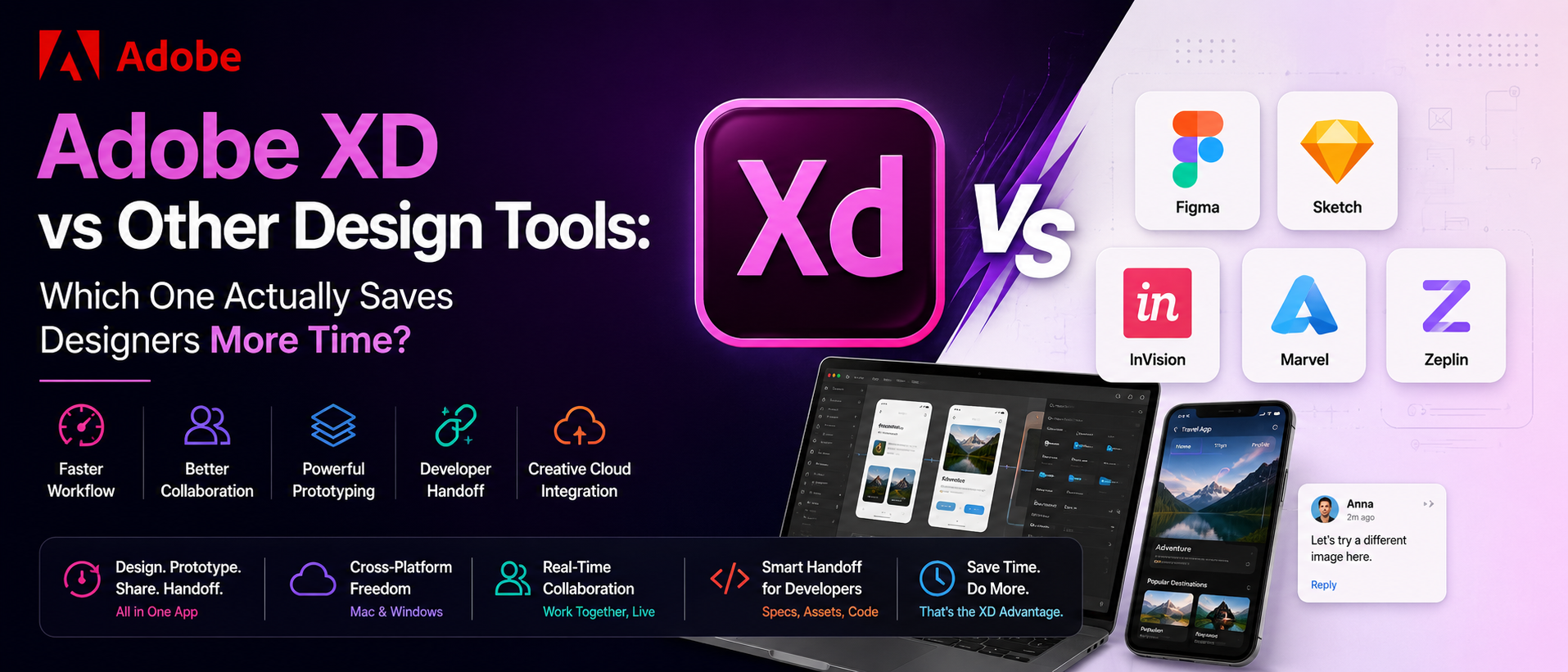
Ask ten designers which tool they swear by, and—yeah, you'll get ten different answers. But the Adobe XD vs Other Design Tools debate keeps coming back, every time, in every Slack channel and every late-night design forum thread. And there's a reason for that. Adobe XD is doing something right. Something that actually matters to designers who are juggling client feedback, tight deadlines, and a laptop that's already got seventeen tabs open. The question worth asking is simple: which tool saves the most time? This post digs into that—honestly, specifically, without the fluff.Adobe XD vs Other Design Tools: The Real Difference in Daily Workflow
Adobe XD doesn't just sit there looking good on a Creative Cloud subscription screen. It moves fast. Open a file, drop in components, build a prototype — all without leaving the app. Compare that with using multiple tools to complete one screen flow, which can slow down workflows. Adobe XD keeps everything under one roof: design, prototype, share, and handoff. For US designers working with cross-functional teams, that kind of unified workflow isn't a bonus feature. It's kind of the whole point.Adobe XD vs Figma: What Designers Actually Experience
So, Adobe XD vs. Figma—let's get into it. Figma lives in the browser. That works for a lot of teams, and there's no argument there. But Adobe XD brings something Figma simply can't match: native integration with the full Adobe Creative Cloud ecosystem. Drop a Photoshop asset straight in. Pull an Illustrator vector without re-exporting it. Use fonts already synced through Adobe Fonts. For designers already deep inside Creative Cloud — which remains widely used across many US agencies — this feature isn't a minor perk. It's hours back every week, stacked up quietly day after day.Adobe XD vs Sketch: Cross-Platform Freedom That Teams Actually Need
Adobe XD vs Sketch comes down to one big, practical thing pretty fast: platform availability. Sketch is Mac-only. That's a firm wall. In US design teams where Windows machines are just as common as Macs — and they are, especially in enterprise and startup environments — that limitation genuinely disrupts collaboration. Adobe XD runs clean on both. Everyone's in. Nobody's printing screenshots to share feedback because their OS isn't supported. And the developer handoff features inside XD are genuinely impressive. Clean specs, auto-generated measurements, and no extensive manual documentation required.Top Reasons Adobe XD Outperforms Other UI Design Software
Here's what keeps pulling designers back to Adobe XD, specifically when stacked against other UI design software options:- Creative Cloud Integration: Photoshop, Illustrator, After Effects, and XD work together without awkward workarounds. Assets stay consistent and transfer cleanly.
- Repeat Grid: Duplicate UI elements — cards, list items, nav links — in seconds. Genuinely one of the most satisfying tools to use in any design app, period.
- Responsive Resize: Layouts adapt automatically when screen dimensions change. Responsive design that doesn't require manually adjusting every element. Huge time saver.
- Auto-Animate: Build interactive micro-animations and transitions right inside XD — no external animation tool needed mid-project.
- Prototype + Design in One Place: Switch from design mode to prototype mode in one click. No exporting, no re-importing, no file versioning headaches.
- Real-Time Collaboration: Co-edit with teammates live. Leave comments. Review prototypes together. It just works, cleanly and without drama.
Adobe XD Alternatives: Where Does XD Still Pull Ahead?
There are solid Adobe XD alternatives on the market — InVision, Marvel, Zeplin, Axure, and even newer tools popping up every quarter. And competition is good. It pushes everyone forward. But here's the thing: most of those tools do one or two things really well and then leave a gap somewhere else. Zeplin is great for handoff, but doesn't handle prototyping. InVision has good collaboration but less design flexibility. Adobe XD covers prototyping, design, collaboration, developer handoff, and Creative Cloud integration — all together, without asking designers to stitch four apps into a makeshift workflow at 11 pm before a client presentation.How Adobe's Ecosystem Makes Adobe XD Smarter Over Time
This part doesn't always get enough credit. Adobe has been building creative tools for a long time. Adobe has decades of experience building creative tools, and that experience is reflected in XD. That history matters because it means Adobe understands creative workflows at a deep level. And that understanding shows inside XD. Shared Libraries keep design systems consistent across the whole team. Adobe Fonts sync automatically — no manual font installation chaos. Color themes from Adobe Color drop right in. The whole ecosystem just reinforces itself, quietly, in ways that add up to a genuinely faster, smoother daily experience for designers.Why UX Design Tools Matter More Than Ever for US Teams
The design industry in the US has changed pretty dramatically over the last few years—remote teams, distributed collaborators, and clients who want to see prototypes before lunch. In that environment, the right UX design tools aren't just convenient. They're kind of essential to staying competitive. Adobe XD fits that reality well. Shareable prototype links that clients can view without downloading anything. Comment threads right on the design canvas. Specs that developers can read without a translator. For US design teams—freelancers, boutique agencies, and big enterprise product orgs—keeping the work moving when delays really aren't an option is key.Who Gets the Most Out of Adobe XD?
Honestly, a lot of people. Freelance designers who need a reliable solo workflow. Agency teams coordinating across time zones. In-house product designers building and maintaining complex design systems. UX researchers who need clean wireframes fast. Even design students in the US — Adobe's Creative Cloud pricing for students is genuinely accessible, and learning XD early sets up solid professional habits. The tool scales, which are the kind of thing that matters when a designer is still building their career or when a small studio is suddenly growing faster than expected.Adobe XD vs Other Design Tools: Worth the Switch?
The answer becomes clearer when comparing real workflow needs, even if the design tool market tries to make it feel that way. When it comes to Adobe XD vs Other Design Tools, Adobe XD brings a combination of speed, ecosystem depth, and cross-platform flexibility that's genuinely hard to match in one single app. Whether the comparison is Adobe XD vs Figma, Adobe XD vs Sketch, or browsing through Adobe XD alternatives trying to figure out which UI design software or UX design tools actually fit the team, Adobe XD earns its place at the top of that conversation. Adobe built this tool with a strong understanding of modern design workflows. And that shows, every single day, in every project that ships cleaner and faster because of it.Upgrade Your Design Workflow
Explore the world of fashion, beauty, lifestyle, and entertainment with Fun & flip – your daily dose of trendy tips, style inspiration, and everything fun, fabulous, and fresh in one place!
Read More Blogs:
Top 15 Wellness Gift Ideas For Parents From Cincom
Adobe Creative Cloud Apps Explained Guide
12 Pro Tips To Supercharge Your Workflow With Adobe Creative Cloud AI Tools
FAQs
Q1. What makes Adobe XD better than other UI design software for US design teams?Ans: Adobe XD stands out because it combines design, prototyping, and developer handoff in one place — fully integrated with Adobe Creative Cloud for a faster, smoother workflow.
Q2. How does Adobe XD vs Figma and Adobe XD vs Sketch compare for cross-platform use?
Ans:Unlike Sketch (Mac-only) and browser-based Figma, Adobe XD runs natively on both Windows and Mac — making it the most flexible choice for diverse US design teams working across different devices.
Q3. Is Adobe XD a strong choice among UX design tools and Adobe XD alternatives?
A: Absolutely — Adobe XD consistently leads among UX design tools because it covers everything from wireframes to interactive prototypes, backed by Adobe's trusted Creative Cloud ecosystem that millions of designers already rely on.